The market for best AI architectural rendering software looks completely different in 2026 than it did eighteen months ago. What used to require a $2,500 Lumion seat, a top-tier GPU, and three days of texturing can now be produced by an architect uploading a hand sketch to a browser tab and waiting fifteen seconds. AI rendering has stopped being a premium add-on bolted onto traditional 3D pipelines — it is now its own category, used by independent architects, real estate developers, and interior designers who never owned a CAD license.
That shift has crowded the field. SERPs once dominated by Lumion, Twinmotion, V-Ray, and Chief Architect now mix in Gendo, MyArchitectAI, RerenderAI and a half-dozen niche AI tools. Pricing ranges from free to $3,000/year, learning curves run from “drag and drop” to six months of YouTube tutorials, and the marketing copy makes every product sound like the obvious winner.
The market context backs the urgency. The visualization and 3D rendering software market was valued at USD 2.20 billion in 2022 and is projected to reach USD 17.38 billion by 2030, with cloud deployment accounting for over 77.7% of the market in 2022, according to Grand View Research’s visualization and 3D rendering market analysis. For anyone producing listing media, that shift is easy to recognize on the ground — more teams want browser-based tools, faster delivery, and fewer hardware headaches.
This guide tested fifteen tools across input flexibility (sketch, 3D model, floor plan, photo), output quality, pricing, and learning curve. AI architectural rendering is the use case the whole list is built around — from sketch-to-render for a residential remodel up to a full BIM pipeline. We name a single best pick for each common use case at the end.
The working test that frames the comparison: a listing goes live tomorrow morning, the agent wants the living room staged, the lawn cleaned up, the windows brighter, and a dusk version for social before 6 p.m. Some of the tools below are built for that. Others are built for a luxury preconstruction fly-through that takes a week. Both jobs are valid — they just call for different software.
What to Look For in AI Architectural Rendering Software
Set the criteria before comparing tools. The best AI architectural rendering software for a real estate developer is rarely the same product an interiors firm with a Revit model would pick.
Input flexibility. Pure AI tools take a hand sketch, floor plan, or smartphone photo and infer geometry on the fly. Traditional rendering software expects a 3D model from SketchUp, Revit, Rhino, or 3ds Max. Match the input format to your existing workflow.
Speed. Traditional pipelines render in minutes to hours. AI architectural rendering programs return results in seconds, which changes how you iterate during a client call.
Output quality. Photorealism is now table stakes for AI tools, but consistency is not. Test each candidate on a tricky scene (low light, complex glazing, mixed materials) before committing.
Pricing model. Per-render credits, subscriptions, perpetual licenses, and pay-as-you-go all coexist. Volume buyers should run the math at expected usage; light users should avoid annual commitments.
Style variety and exports. Some tools ship with five preset styles, others with hundreds. 4K downloads, MLS-compliant aspect ratios, and white-label exports separate hobby tools from professional ones.
Learning curve. D5 or Twinmotion can take weeks. A pure AI tool can take ten minutes. Honest assessment of available training time is the biggest predictor of project ROI.
Real-estate-specific features. If you are rendering for listings rather than architecture awards, you need MLS-ready exports and integration with photo enhancement, virtual staging, and tour-building tools.
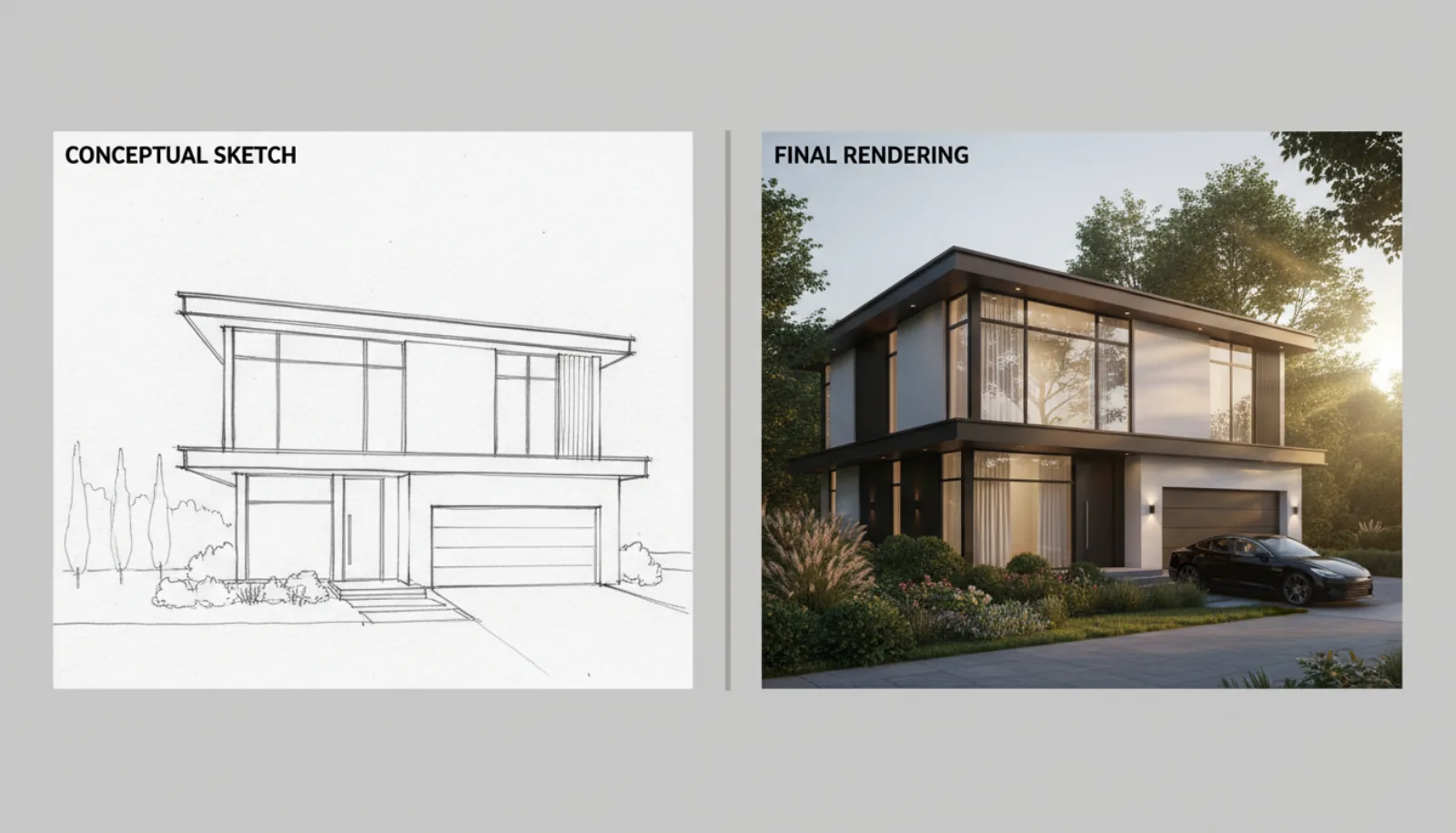
The clearest way to understand the category shift is to see the same input run through both pipelines side by side — a hand sketch on the left, a photoreal AI rendering on the right.
1. Lumion
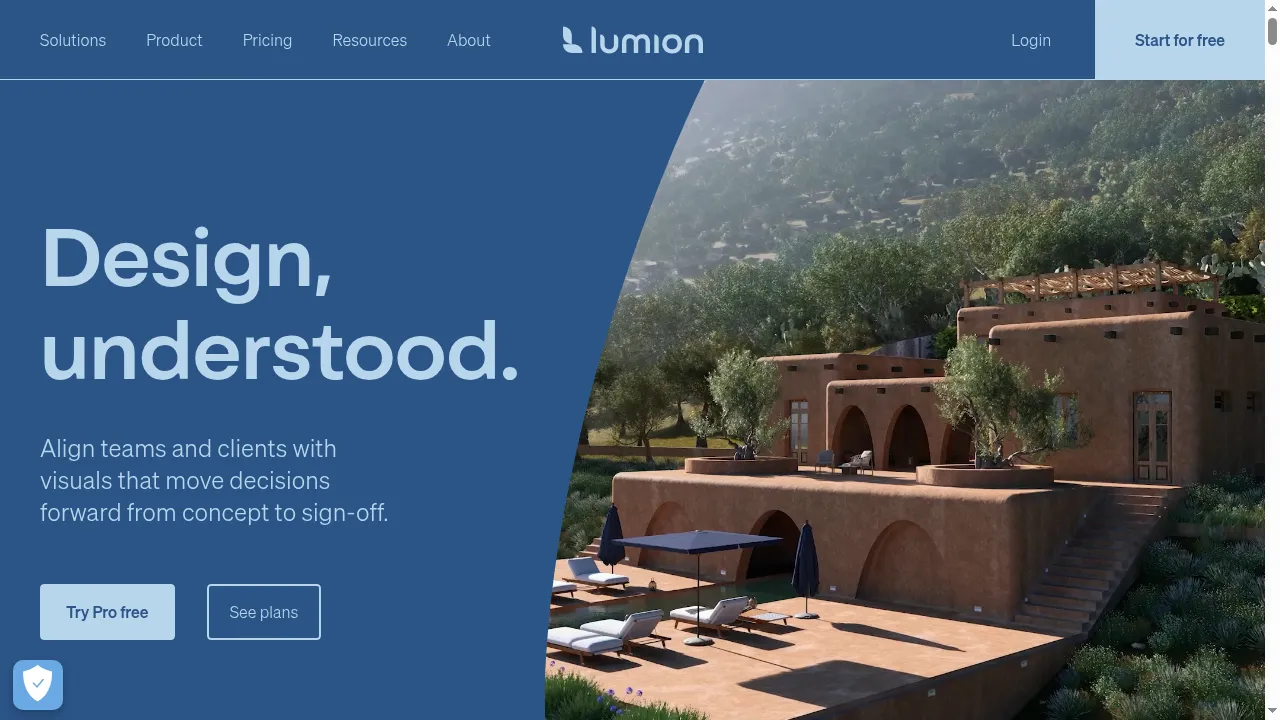
Lumion is the long-running incumbent and the default answer for full-pipeline architecture firms. A real-time 3D rendering program for professionals who already model in Revit, SketchUp, ArchiCAD, or Rhino — Lumion handles texturing, lighting, vegetation, and the final render. The asset library is enormous and the output is cinema-grade.
Best for: Established architecture and AEC firms with existing 3D pipelines.
Pricing (as of 2026): Lumion Standard around $1,500/year; Lumion Pro around $3,000/year.
Strengths:
- Industry-leading library of materials, plants, people, and props
- Real-time editing with high-quality final output
- Strong integrations with mainstream BIM software
- Built-in animation and walkthrough tools
Weaknesses:
- Steep learning curve — weeks of training to produce client-ready output
- High-end Windows workstation required; no native macOS support
- Annual cost is prohibitive for solo designers and small firms
Who should use it: Architecture firms with 5+ designers and an existing Revit or ArchiCAD pipeline.
2. BrightShot
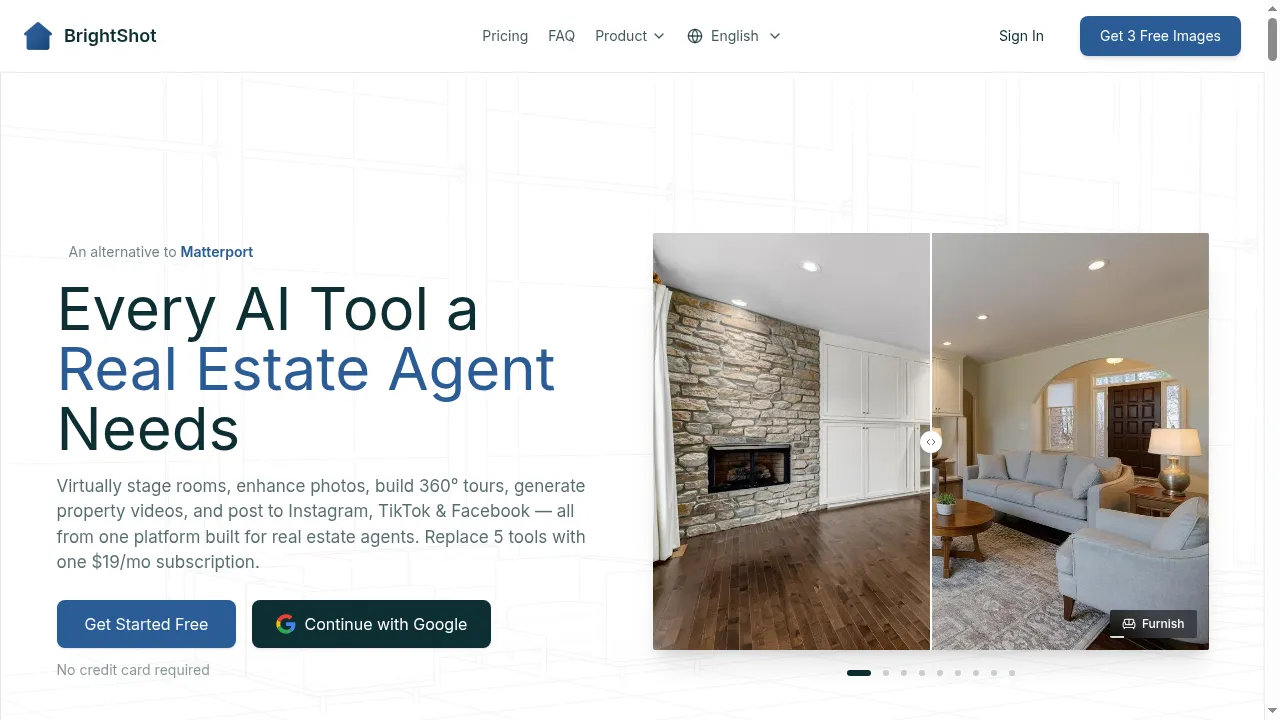
BrightShot attacks the rendering problem from a different angle. Instead of demanding a 3D model, it takes whatever the user already has — sketch, floor plan, 3D massing render, or smartphone photo — and produces a photorealistic architectural render in roughly fifteen seconds. No CAD, no GPU workstation.
Best for: Real estate developers, custom-home architects, interior designers, and listing agents who need fast, MLS-ready renders without a traditional 3D pipeline.
Pricing (as of 2026): Free trial with no credit card; paid plans start at $19/month for 80 renders, scaling through Professional, Premium and Ultra tiers.
Strengths:
- Input flexibility — sketch, floor plan, 3D model, and photo enhancement on one dashboard
- Real-estate-aware output: 4K downloads, MLS-compliant ratios, hand-off to virtual staging and AI video tours
- No learning curve — most users ship their first render in under ten minutes
- 100+ interior and exterior styles with custom-prompt control
Weaknesses:
- Not a substitute for a full BIM pipeline if you need precise measurements or production drawings
- Single-frame visualization rather than walkable real-time scenes
- Enterprise power users may exceed the entry plan
Who should use it: Anyone whose primary job is selling or presenting a property — not engineering it. (Disclosure: this guide is hosted on BrightShot. The placement is anchored by the real-estate-marketing differentiation, not positioned as a Lumion replacement.)
3. Gendo
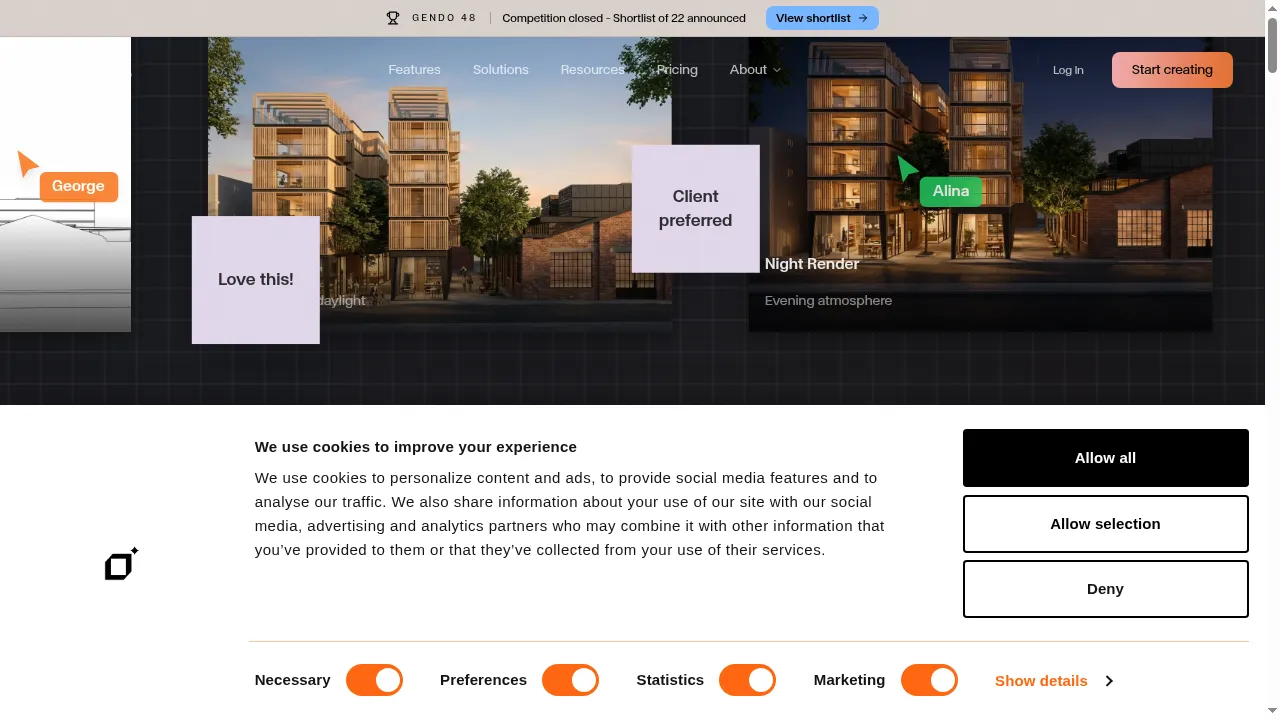
Gendo is the breakout AI rendering tool of the past two years and the search-traffic leader for “AI for architecture” queries. Laser-focused on architectural visualization — exterior and interior renders from a sketch, 3D massing, or reference image, consistently strong across modern-residential and commercial typologies.
Best for: Architects and small studios who want a dedicated AI rendering workflow.
Pricing (as of 2026): Free credits on signup; paid plans start around $30/month and scale to team tiers.
Strengths:
- Purpose-built for architecture — model tuned on architectural references
- Strong control over materials, glazing, context, and time of day
- Active product development and a strong design community
- Good integration story for SketchUp and Rhino users
Weaknesses:
- Less suited to interior design and real estate listing work
- Pricing scales quickly for high-volume teams
- Rendering-only — needs other tools for marketing assets
Who should use it: Independent architects producing exterior renders, competition entries, and concept boards.
4. MyArchitectAI (Architect Sketch to Render)
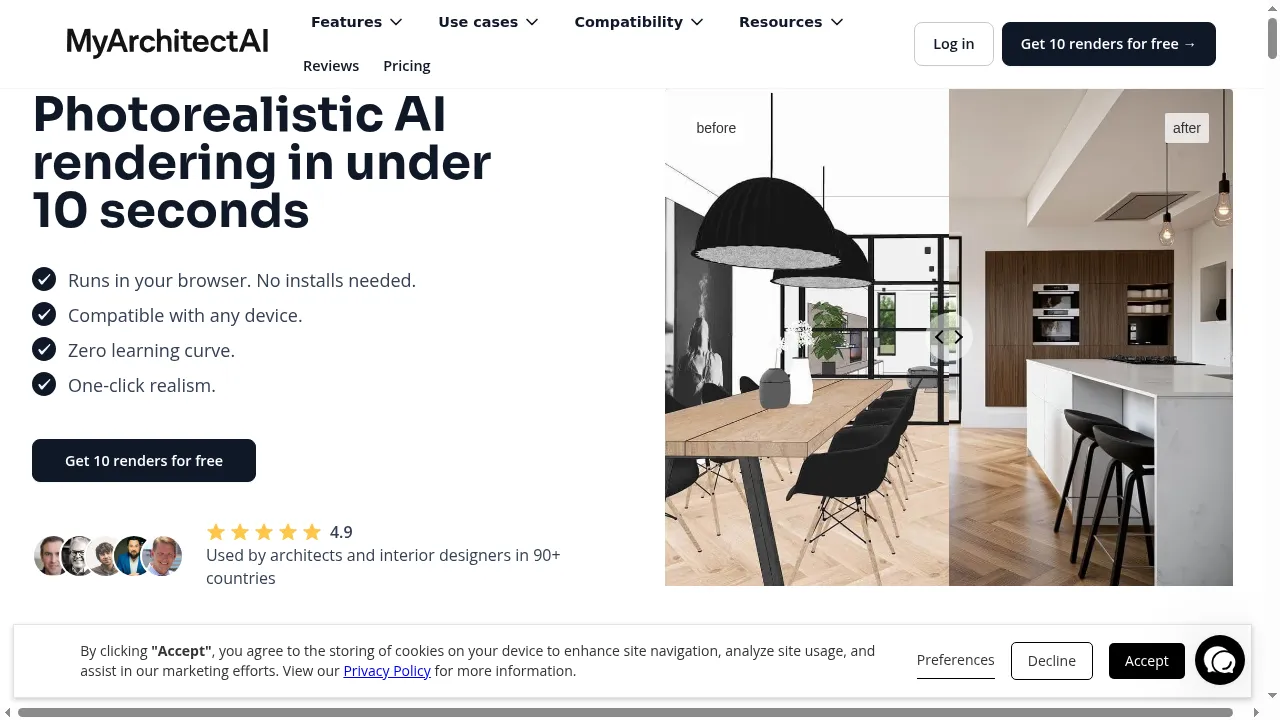
MyArchitectAI is one of the most established sketch-to-render AI tools and a regular fixture in the same SERPs as Gendo. It takes sketches, line drawings, or simple 3D massing as input and produces photorealistic renders across exterior and interior styles.
Best for: Architects, designers, and students who want a clean AI workflow centered on architect-sketch input.
Pricing (as of 2026): 10 free renders; paid plans typically start around $30/month with credit-based usage.
Strengths:
- Strong sketch-to-render fidelity on hand-drawn line work
- Dozens of style presets — modern, traditional, Japandi, Mediterranean
- Generous free tier for trying the product
- Quick turnaround for concept iteration
Weaknesses:
- Single-image output — no animations or walkthroughs
- Less differentiated from Gendo than marketing suggests
- Not real-estate-marketing-aware (no MLS sizing or staging hand-off)
Who should use it: Designers who prefer working from sketches and want a no-frills architect-sketch-to-render tool.
5. RerenderAI
RerenderAI specializes in re-rendering existing 3D massing or low-fidelity renders into photorealistic finals, rather than starting from a sketch. Useful for designers who have a SketchUp model and want to skip materials, lighting, and rendering.
Best for: Designers with basic 3D models who need photorealistic conversions quickly.
Pricing (as of 2026): Free trial; paid plans in the $20-40/month range with credit packs.
Strengths:
- Excellent at upgrading low-fidelity 3D massing into photoreal output
- Style transfer between reference images and your model works well
- Browser-based — no installation
- Reasonable price for what it does
Weaknesses:
- Less effective on pure-sketch input than Gendo or MyArchitectAI
- Smaller asset library and fewer style presets
- Single-purpose — no staging, video, or marketing-asset features
Who should use it: SketchUp and Rhino users who want to skip texture-lighting-rendering without learning Lumion or D5.
6. Autodesk Revit + Enscape
Revit is BIM, not rendering — but paired with Enscape (now an Autodesk product), it becomes one of the most capable architectural rendering programs available. The full-pipeline option: parametric modeling, schedules, drawings, and real-time rendering in one ecosystem.
Best for: Mid-sized to large architecture firms running BIM workflows for commercial and large residential projects.
Pricing (as of 2026): Revit around $2,500/year; Enscape around $700/year additional; AEC Collection around $3,000-3,500/year.
Strengths:
- Unmatched depth — BIM, drawings, schedules and rendering in one pipeline
- Real-time visualization in Enscape with high-quality finals
- Industry-standard for commercial AEC work
- Massive integration ecosystem
Weaknesses:
- Most expensive setup on this list
- Learning curve measured in months
- Overkill for residential real estate or single-listing rendering
Who should use it: Firms doing BIM-driven commercial work where rendering is one of many deliverables.
7. Chief Architect
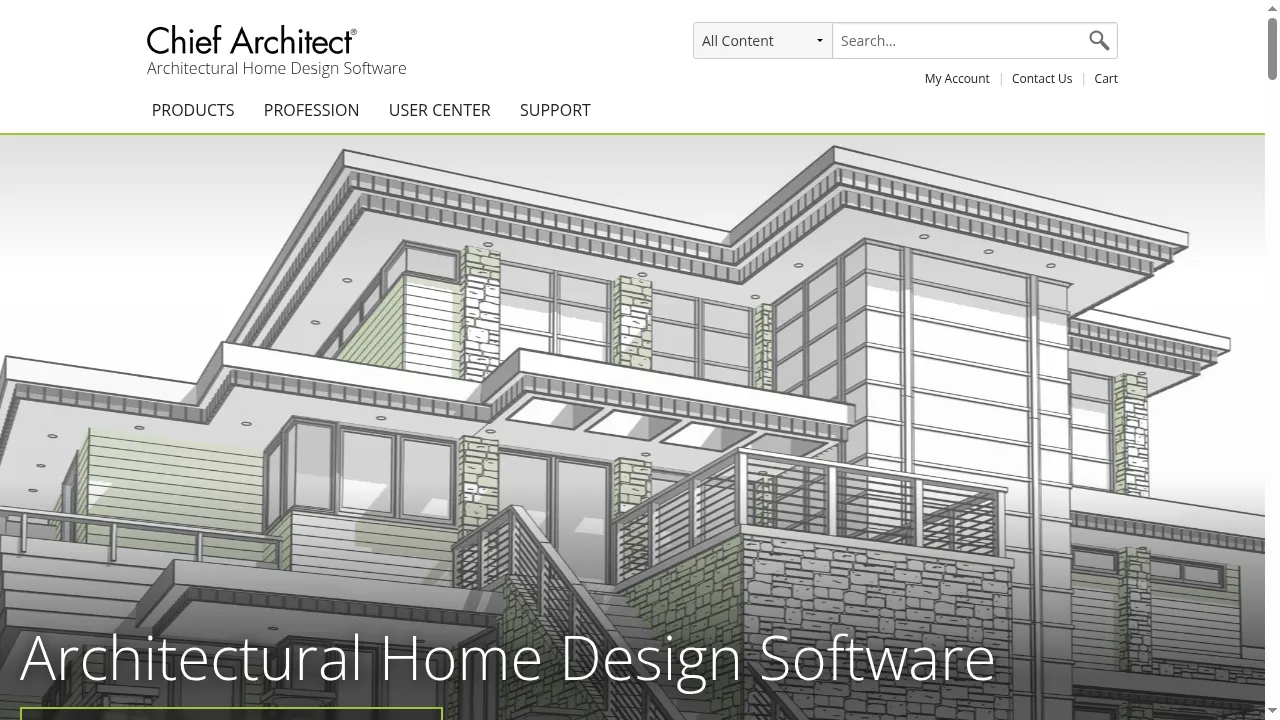
Chief Architect is the dominant residential architecture design software in North America. It focuses tightly on home design — floor plans, elevations, framing, and integrated 3D rendering — with a learning curve much gentler than Revit. Designers iterate on a kitchen layout and see the photorealistic render in the same program.
Best for: Residential designers, custom-home builders, and remodelers who want one tool for plans, drawings, and renders.
Pricing (as of 2026): Home Designer tiers from $99-$249; Chief Architect (professional) from $1,995-$2,995 perpetual or annual options.
Strengths:
- Purpose-built for residential — every workflow assumes you are designing a house
- Integrated 3D rendering eliminates the export-import-render loop
- Perpetual license option is rare and welcome
- Strong library of construction-realistic components
Weaknesses:
- Only relevant for residential — not suited to commercial or mixed-use
- Rendering quality is good, not the absolute top of the market
- Windows-first; macOS support has historically lagged
Who should use it: Custom-home designers and small remodel firms who want one tool for plans and renders.
8. D5 Render
D5 Render has become one of the strongest real-time rendering tools on the market. Ray-traced output with strong integrations into SketchUp, Revit, ArchiCAD, Rhino, and 3ds Max — quality that competes with Lumion and Twinmotion at a more accessible price.
Best for: Architects and 3D artists who want top-tier real-time rendering at a reasonable price.
Pricing (as of 2026): Free Community edition; Pro plans from around $350/year; Enterprise up to around $880/year.
Strengths:
- Real-time ray tracing with cinema-grade output
- Generous free tier that is fully usable for solo professionals
- Strong asset library
- Excellent BIM software integrations
Weaknesses:
- Needs a recent NVIDIA RTX GPU for full performance
- Learning curve is gentler than Lumion but still real
- Windows-only
Who should use it: Solo architects who want Lumion-level quality without the Lumion-level price tag.
9. Twinmotion
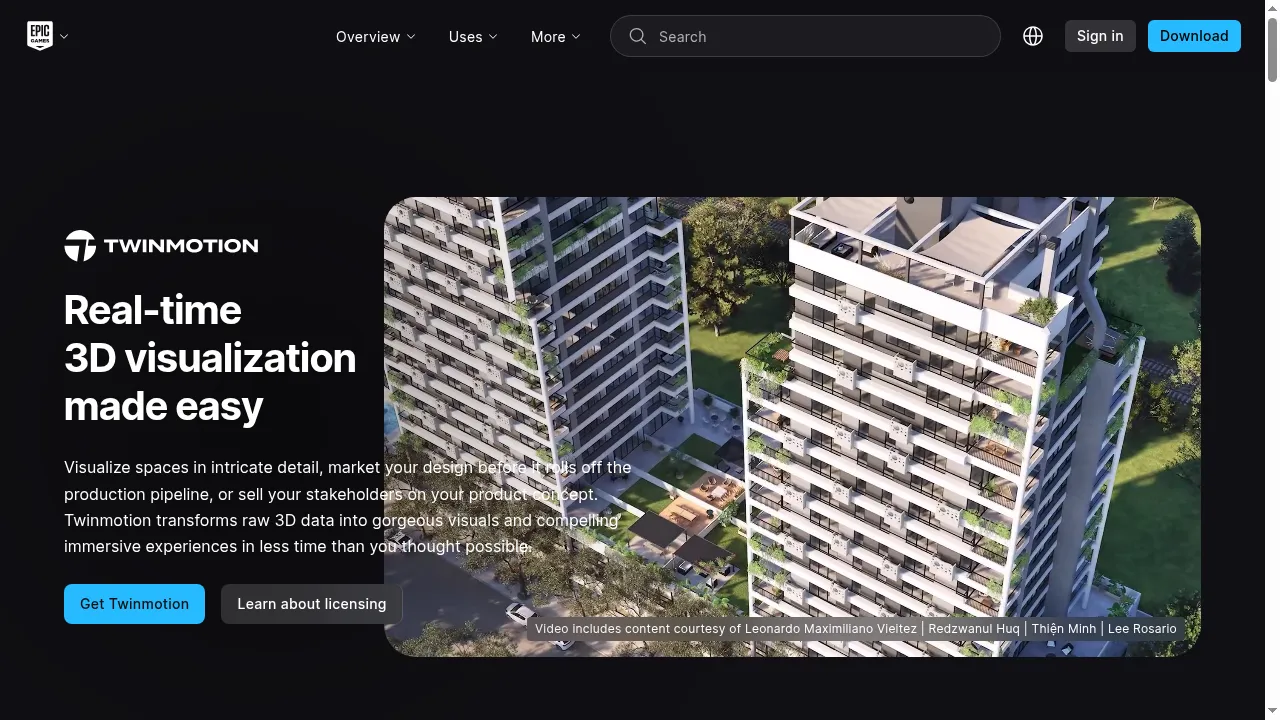
Twinmotion is Epic Games’ real-time architectural visualization tool, built on the Unreal Engine. A strong direct competitor to Lumion and D5, with a generous free tier that has made it the default starter renderer for students and solo designers.
Best for: Solo architects, students, and small firms who want a free or low-cost real-time renderer.
Pricing (as of 2026): Free for individuals and businesses under $1M/year; Twinmotion Pro around $750/year for larger commercial use.
Strengths:
- Best free tier in the category — usable for paid client work under the revenue cap
- Real-time visualization on Unreal Engine quality
- Strong BIM integrations with one-click sync
- Active development backed by Epic Games
Weaknesses:
- Needs a strong GPU for smooth real-time work
- Learning curve still measured in weeks
- Asset library is smaller than Lumion’s
Who should use it: Students, freelancers, or small firms under the revenue cap.
10. RenderAHouse
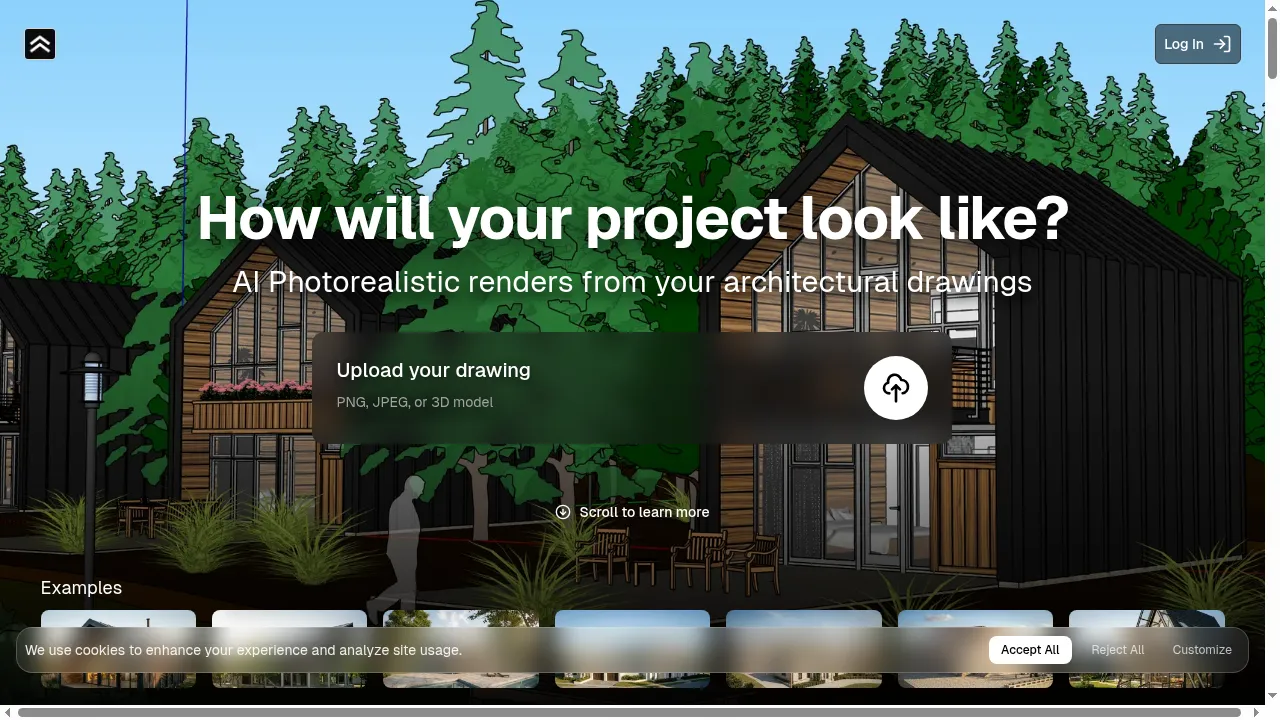
RenderAHouse is a niche AI tool focused on house exterior renders. Upload a photo or sketch of a house exterior and the AI re-renders it in different architectural styles (modern, farmhouse, Mediterranean, traditional). Genuinely good at the one job it does.
Best for: Homeowners, real estate agents, and exterior remodelers who want quick exterior style explorations.
Pricing (as of 2026): Free credits on signup; paid plans from around $15-25/month with credit packs.
Strengths:
- Tightly focused on house exteriors with good results in that lane
- Very simple interface — no learning curve
- Affordable for occasional users
- Useful for “what if we re-clad in board-and-batten?” exploration
Weaknesses:
- Single-purpose — interiors, floor plans, and 3D model input are not the focus
- Limited style range compared to general AI rendering tools
- Smaller community and slower development pace
Who should use it: Agents marketing exterior remodel potential, or homeowners exploring siding and color changes.
11. Chaos V-Ray
V-Ray is the long-standing benchmark for jobs where realism has to hold up under scrutiny. If a developer, architect, or luxury marketing team needs polished stills and controlled lighting, V-Ray remains one of the safest choices. Its strength is not convenience — it is control. Physically based ray tracing, strong material handling, advanced lighting, and broad integration across 3ds Max, SketchUp, Rhino, Revit, Cinema 4D, and Maya mean V-Ray fits inside existing AEC pipelines without forcing a team to rebuild around a single renderer.
Best for: Visualization studios and luxury marketing teams producing hero stills where every material and light has to read correctly.
Pricing (as of 2026): Subscription licensing starting around $80/month or roughly $700/year per seat; Chaos Cloud render credits sold separately.
Strengths:
- Studio-grade photorealism with physically based light transport
- Deep material library and granular control over reflections, refractions, and caustics
- Integration with virtually every major DCC and BIM tool
- Industry standard — large hiring pool of trained operators
Weaknesses:
- Steep technical learning curve; rarely feels fast during iteration
- Requires a strong CPU (or GPU on V-Ray GPU) workstation
- Overkill for day-of listing edits where AI tools deliver “good enough” in seconds
Who should use it: Archviz specialists working on pre-sales hero imagery, design approvals, and high-end developer marketing. Creative Bloq’s overview places V-Ray in the CPU-based group that emphasizes photorealistic quality, while GPU-focused tools such as Octane prioritize speed and real-time feedback (see Creative Bloq’s rendering software guide).
12. Chaos Corona
Corona has consistently appealed to people who want beautiful interior visuals without wrestling the renderer every step of the way. For residential real estate where interiors sell emotion, a renderer that gives soft, natural light and believable materials without a huge setup burden saves real production time. Compared with V-Ray, Corona usually feels more forgiving — fewer settings to chase before something attractive appears on screen.
Best for: Interior designers and boutique developers producing warm, residential-feeling stills.
Pricing (as of 2026): Subscription licensing starting around $40/month, often bundled inside Chaos packages.
Strengths:
- Natural daylight and softer mood scenes with minimal setup
- Approachable workflow for designers who are not dedicated rendering specialists
- Built-in post-production tools keep adjustments close to the render
- Strong reputation for kitchens, bedrooms, and styled living areas
Weaknesses:
- Less flexible on integrations than V-Ray
- Not the right tool for fast interactive reviews or live walkthroughs
- Specialist tool — best in the hands of a designer or archviz artist, less compelling as an everyday listing platform
Who should use it: Boutique studios delivering emotionally persuasive interior imagery for premium developments and design presentations.
13. Unreal Engine
Unreal Engine is not the easiest tool on this list, but it has the highest ceiling. If a project needs interactive sales experiences, custom configurators, pixel streaming, or high-end VR walkthroughs, nothing else here offers the same flexibility. For real estate, Unreal is the platform behind the most ambitious experiences — branded presentation environments, interactive condo selectors, sales gallery installations, and immersive neighborhood previews.
Best for: Major pre-sales campaigns, sales suites, and bespoke interactive marketing where the experience itself is part of the product.
Pricing (as of 2026): Free to start; commercial royalties or seat licensing apply above revenue thresholds.
Strengths:
- Top-tier real-time fidelity with Nanite and Lumen
- Build packaged experiences, stream them, and connect interactions — not just deliver an image
- Datasmith importers for Revit, 3ds Max, SketchUp, and Rhino
- Massive marketplace of assets and plugins
Weaknesses:
- Steepest learning curve in the category — production overhead is routinely underestimated
- Models need preparation, materials need cleanup, and presentation logic takes time
- Wrong tool for a brokerage trying to improve next week’s listing photos
Who should use it: Developers launching a major pre-sales campaign where immersive presentation changes buyer perception, not agents trying to publish a listing tomorrow.
14. Blender
A common real estate scenario — the team wants polished visuals, the budget is tight, and nobody wants another software subscription. Blender gets shortlisted fast for that reason. It is free, flexible, and far more capable than many people expect. You get modeling, UVs, animation, compositing, video editing, and two rendering paths in one application: Cycles for photoreal output, Eevee for faster previews and lighter real-time work.
Best for: Cost-conscious studios, freelancers, and in-house creatives with a dedicated 3D generalist.
Pricing (as of 2026): Free and open-source under GPL.
Strengths:
- No licensing cost; full 3D pipeline in one application
- Quick look development with Eevee and high-end image potential with Cycles
- Active add-on ecosystem and large community
- Total control over scene, materials, and post
Weaknesses:
- Free software does not mean low operating cost — the learning curve slows production
- Asset libraries and materials need ongoing organization
- Less attractive for sales-driven teams that need repeatable output without setup
Who should use it: Teams building long-term visualization capability with an in-house generalist, not agents who need market-ready images later that day.
15. OTOY OctaneRender
OctaneRender is the speed-first photorealism option for people who already have GPU hardware to feed it. Known for beautiful light transport, crisp glossy surfaces, and fast multi-GPU rendering when configured properly. For real estate, Octane makes the most sense in visualization studios already comfortable with GPU-based rendering — it is less of a generalist recommendation than V-Ray or Twinmotion, but in experienced hands it produces excellent interiors, exteriors, and motion work.
Best for: GPU-focused studios producing motion graphics, glossy interiors, and animated property visuals.
Pricing (as of 2026): Paid licenses from around $20/month per GPU; cloud GPU rental via OTOY Render Network.
Strengths:
- GPU spectral path-tracer with fast multi-GPU scaling
- Excellent on glossy surfaces and crisp light transport
- Cloud GPU workflow via the Render Network
- Plugins for Cinema 4D, Blender, 3ds Max, Houdini, Maya
Weaknesses:
- Unforgiving if hardware is weak or mismatched
- Settings discipline required — noise management is on the operator
- Specialist choice rather than the default answer for real estate teams
Who should use it: Studios with multi-GPU workstations or established cloud GPU pipelines who need speed and high-end fidelity in the same box. Market analysis projects the cloud rendering software market will reach USD 16.75 billion by 2034 at a 17.5% CAGR, with more than 60% of enterprises favoring public cloud deployments, according to Market.us research on cloud rendering software.
For a clear walkthrough of how AI rendering actually works in a working architect’s pipeline, this short overview of Gendo AI is a good orientation:
Quick Comparison
| Tool | Best For | Starting Price | AI-Powered | Real-Time |
|---|---|---|---|---|
| Lumion | Established architecture firms | ~$1,500/yr | Limited | Yes |
| BrightShot | Real estate marketing & sketch-to-render | $19/mo | Yes | No (single-frame) |
| Gendo | Architects, exterior visualization | ~$30/mo | Yes | No |
| MyArchitectAI | Sketch-to-render workflows | ~$30/mo | Yes | No |
| RerenderAI | Re-rendering existing 3D models | ~$20-40/mo | Yes | No |
| Revit + Enscape | BIM-driven commercial AEC | ~$3,000+/yr | No | Yes |
| Chief Architect | Residential design + rendering | $199-$2,995 | No | Yes |
| D5 Render | Real-time at a reasonable price | $350-$880/yr | Limited | Yes |
| Twinmotion | Free real-time, solo and education | Free / $750/yr | Limited | Yes |
| RenderAHouse | House exterior re-rendering | ~$15-25/mo | Yes | No |
| Chaos V-Ray | Studio-grade hero stills | ~$80/mo | No | No (offline) |
| Chaos Corona | Artist-friendly interior visuals | ~$40/mo | No | No (offline) |
| Unreal Engine | Interactive sales experiences | Free / royalties | No | Yes |
| Blender | Free full 3D pipeline | Free | No | Yes (Eevee) |
| OTOY Octane | GPU multi-GPU photoreal | ~$20/mo per GPU | No | No (offline GPU) |
Prices verified May 2026 from each vendor’s public pricing page. AI-Powered = the tool can generate renders from a sketch, photo, or text prompt without requiring a complete 3D model. Real-Time = the renderer updates the scene continuously as you edit.
AI vs Traditional Rendering Software: Which Should You Pick?
2026 is a transitional moment — many architects use both. For someone choosing a single tool today, here is the framework.
Pick AI architectural rendering software if:
- You do not have CAD or 3D modeling skills and do not want to acquire them
- You need same-day deliverables, not week-long render queues
- Your work is project-based and marketing-driven (listings, concept boards, client pitches)
- You work primarily on residential and real estate
Pick traditional rendering software (Lumion, Twinmotion, D5, Enscape) if:
- You already have a BIM pipeline (Revit, ArchiCAD, Rhino) and want rendering integrated with it
- Your projects are commercial, mixed-use, or institutional
- You produce competition entries or marketing reels where the last 5% of fidelity is part of the deliverable
The hybrid workflow most architects have settled on: sketch and concept work in an AI tool to explore directions cheaply, then move the chosen direction into a traditional pipeline for the final production render. The clearest beneficiary is the real estate developer doing pre-sale marketing of unbuilt units — formerly a $300-1,500-per-image traditional render, today a sketch-to-render in BrightShot or Gendo, with a traditional renderer commissioned only for the hero image. Total cost drops by 80%.
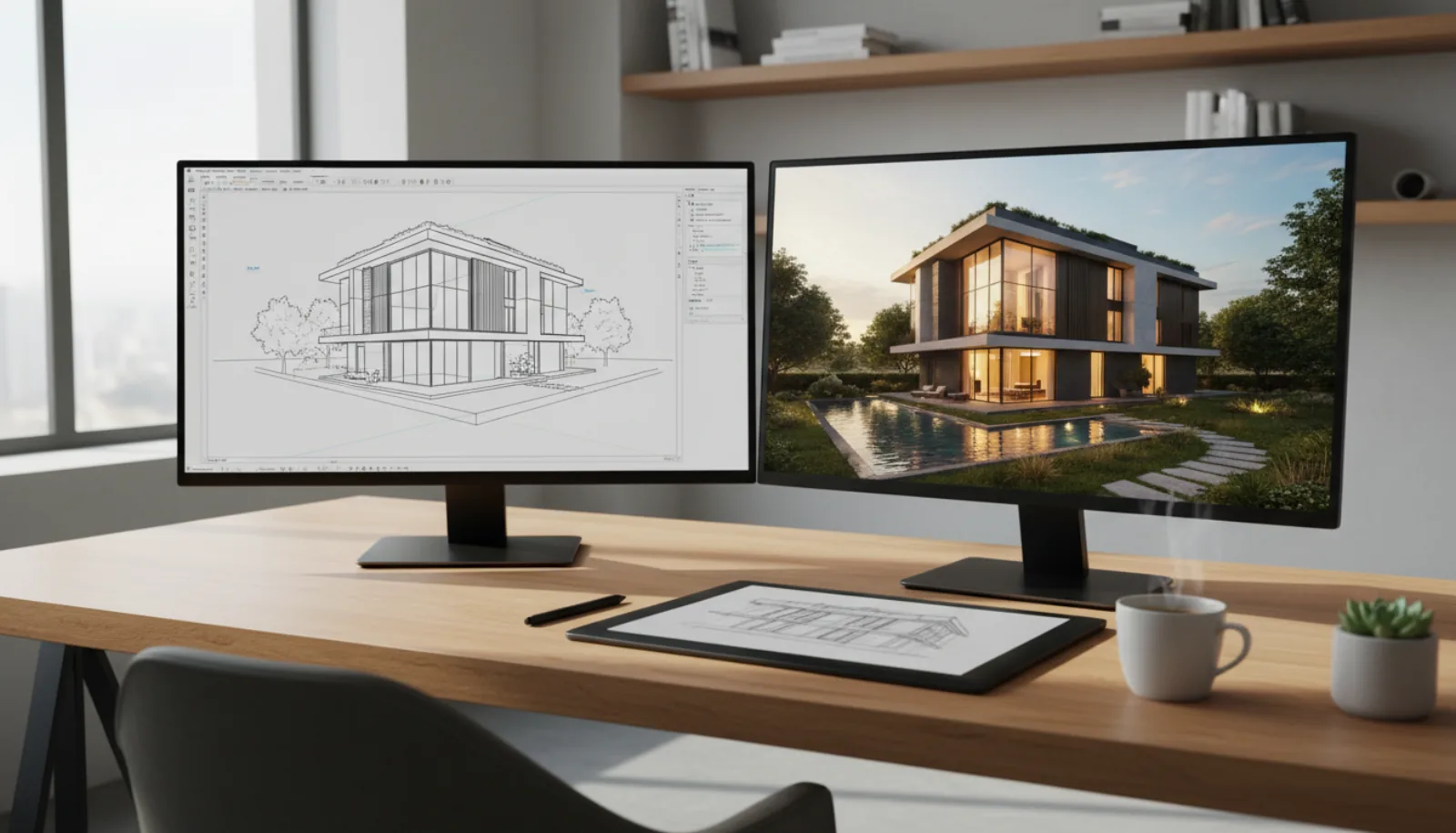
The hybrid setup looks roughly like this in practice — a CAD wireframe on one screen, the photoreal AI render on the other, with a sketch tablet feeding both.
How to Evaluate the Right Tool for Your Needs
Work through this self-assessment before committing.
1. What input do you have?
- Hand sketches → MyArchitectAI, Gendo, BrightShot
- Existing 3D models (SketchUp, Rhino, Revit) → D5, Twinmotion, Lumion, Enscape, RerenderAI
- Floor plans → BrightShot, Chief Architect
- Photos of existing rooms → BrightShot; RenderAHouse for exteriors
- Pure text prompts → BrightShot freestyle, Gendo
2. How fast do you need the render?
- Seconds (client on a Zoom call) → AI tools only
- Next-day deliverable → AI tools or D5/Twinmotion
- Final hero render → Lumion, Enscape, D5
3. What is your hardware? Real-time renderers need a recent NVIDIA RTX GPU on Windows. AI tools run in the browser on any laptop, including a MacBook Air. That alone disqualifies half the list for many users.
4. What is your team size? Solo teams should weight learning curve heavily — the cheapest tool is the one you actually use. Larger firms can absorb the training cost of more powerful software.
If you are weighing the traditional real-time engines against each other before adding an AI tool on top, this side-by-side test of D5, Twinmotion, and Lumion on the same scene is the clearest comparison out there:
The Verdict — Top Picks by Use Case
Best for fast architectural rendering: Gendo or BrightShot. Gendo wins on architect-specific output quality. BrightShot wins on input flexibility and same-dashboard hand-off to staging and video. Pick Gendo if your title says architect; pick BrightShot if it says realtor, developer, or designer.
Best for real estate marketing: BrightShot. This is the lane the product is built around. Sketch-to-render, floor-plan-to-render, photo enhancement, virtual staging, AI video tours, and MLS-ready exports run on one platform. For the full marketing picture, see the decluttering guide.
Best for full-pipeline architecture firms: Lumion or Twinmotion. Lumion has the deeper asset library; Twinmotion has the better free tier and the Unreal Engine roadmap. If you are paying out of pocket and not revenue-capped, start with Twinmotion.
Best free option: Twinmotion. Free for individuals and businesses under $1M/year is the best deal in real-time rendering.
Best for residential designers: Chief Architect. Nothing else combines residential plan drawing, framing, and 3D rendering at this price point.
Best architect-sketch-to-render: MyArchitectAI or BrightShot. MyArchitectAI is more architect-focused; BrightShot has the wider toolkit on top.
Best for exterior re-rendering: RenderAHouse. Niche but good at the single job it does.
Best for studio-grade hero stills: Chaos V-Ray. When the deliverable is a brochure cover or a developer’s pre-sales hero shot, V-Ray’s physically based light transport is still the safe pick.
Best for warm interior imagery: Chaos Corona. Boutique developments and design-led marketing where soft daylight and material warmth carry the emotion.
Best for interactive sales experiences: Unreal Engine. Sales suites, condo configurators, VR walkthroughs, and pixel-streamed marketing experiences that go beyond a single image.
Best free desktop pipeline: Blender. Zero licensing cost and a full 3D toolset — the right answer if your team has a dedicated 3D generalist and the time to invest.
Best GPU-accelerated offline render: OTOY Octane. When the studio already runs multi-GPU workstations and needs speed without sacrificing photoreal architectural rendering quality.
Try AI Architectural Rendering Free
The fastest way to test AI architectural rendering on your own project is to run the same input through two or three of the tools above. Most ship with free credits, so the only cost is an hour of your afternoon.
The shortest route from this guide to a finished render is BrightShot’s free trial — three renders without a credit card, no software to install, and the same dashboard handles sketch-to-render, floor-plan-to-render, virtual staging, and AI video tours.
See BrightShot’s AI architectural rendering in action — Convert sketches, floor plans, and 3D models into photorealistic renders in seconds. No CAD skills, no rendering pipeline. Try the 3D-to-Photo Render Tool Free →
For teams ready to subscribe, the pricing page lays out the four tiers, per-render economics at each level, and API access for high-volume programmatic rendering.
Frequently Asked Questions
What program do architects use to render?
Working architects use several in 2026. The traditional pipeline still runs on Lumion, Twinmotion, D5 Render, or Enscape (paired with Revit, SketchUp, ArchiCAD or Rhino). Most have added an AI tool — typically Gendo, MyArchitectAI, or BrightShot — for fast concept iteration and sketch-to-render earlier in the process.
Can ChatGPT do architectural renderings?
ChatGPT can produce architecturally styled images, but the output is a generic AI image, not a true architectural rendering. It does not understand floor-plan-accurate geometry, BIM data, or scale. For client deliverables, use a purpose-built AI rendering tool that accepts sketches, floor plans, or 3D models as input.
How much does AI architectural rendering cost?
AI architectural rendering software runs from free (Twinmotion’s free tier) up to about $30-$60/month for individual subscriptions to Gendo, MyArchitectAI, or RerenderAI. BrightShot’s $19/month entry plan is at the lower end. Traditional rendering services charge $300-$1,500 per image with one-to-two-week turnaround. The economics flip in favor of AI after two or three renders per month.
Can AI generate photorealistic architectural renderings?
Yes. Current AI rendering models — Gendo, BrightShot, MyArchitectAI, RerenderAI — produce output difficult to distinguish from traditional ray-traced renders for most viewing contexts. Exceptions are specific scenes (highly reflective glazing, complex caustics) where AI still struggles. For 90% of marketing use cases, AI photorealism is production-ready.
Do I need 3D modeling skills to use AI rendering software?
No. BrightShot, Gendo, and MyArchitectAI accept sketches, floor plans, photos, or text prompts — none require CAD experience. If you do have a 3D model, RerenderAI, D5, and Lumion will use it. This is the single biggest reason the category has grown so quickly.
What’s the best free AI architectural rendering tool?
For free real-time rendering, Twinmotion’s free tier is the strongest option — usable for paid client work under the $1M revenue cap. For free AI rendering, MyArchitectAI offers 10 free renders, BrightShot offers a free trial with 3 credits and no credit card, and Gendo offers free credits. Run the same sketch through all three.
Conclusion
The best AI architectural rendering software in 2026 is no longer a single product — it is a category. Real-time renderers like Lumion, Twinmotion, and D5 still own the high end of AEC. AI tools like Gendo, MyArchitectAI, and RerenderAI have carved out a fast-growing middle. Cross-category platforms like BrightShot are built around the workflow traditional renderers never optimized for: sketch-to-render, floor-plan-to-render, and listing-ready visualization that hands off to virtual staging and video.
The right pick depends on whether your job is to design buildings or to sell them. The fastest way to find your tool is to stop reading reviews and start running renders. Most ship with free credits — pick three, upload the same sketch, and let the output decide. If you want the one that handles the widest range of inputs, try BrightShot’s AI architectural rendering free.