AI Real Estate Photo Enhancement in 30 Seconds
Real estate photo enhancement powered by AI. Fix exposure, color cast, white balance, sky, lawn, and lens distortion on any listing photo in 30 seconds — from $19/month, no Photoshop, no $25-per-photo editor invoices.
No credit card required


Trusted by 5,000+ users
worldwide






What is AI Real Estate Photo Enhancement?
Real estate photo enhancement is the post-processing pass that takes a raw listing photo — straight from a phone or DSLR — and turns it into the bright, color-correct, MLS-ready image buyers actually click on Zillow. AI real estate photo enhancement automates that pass: an upload-and-go workflow that fixes brightness and contrast, removes the yellow-incandescent cast on interior shots, balances mixed window-and-lamp light, straightens converging verticals, replaces dull skies, greens up dead lawns, and removes lens distortion — all in under 30 seconds per image. BrightShot is built for real estate agents, listing photographers, and property marketers who need fast, repeatable enhancement across dozens of photos a week without paying $25-75 per image to a real estate photo editing service or burning evenings in Lightroom. As an AI real estate photo editor, BrightShot bundles photo retouching, virtual staging, sky replacement, lawn enhancement, and 10+ other modes in one $19/month subscription — replacing both the per-photo invoice and the standalone editor.
[ Benefits ]
AI real estate photo editor — every fix in one tool
Exposure & contrast correction
AI auto-balances brightness and contrast on every photo — no more dark living rooms or blown-out windows. The model is trained on listing photos specifically, so interiors come back bright but not flat, and exteriors keep dynamic range without the HDR halo.
Color cast & white balance fix
Erase the yellow-incandescent cast that ruins phone-shot interiors and the blue cast on cloudy-day exteriors. Real estate photo retouching that gets white walls reading actually white, in seconds, on every photo.
Sky replacement
Replace overcast or blown-out skies with clean blue or golden-hour skies in one click. Pairs with dedicated sky replacement for finer control on hero exterior shots.
Lawn & landscape enhancement
Turn brown, patchy, or dormant grass into lush green lawn — perfect for winter listings, drought zones, and maintenance-deferred properties. Lawn enhancement lifts curb appeal without touching the actual property.
Perspective & lens distortion correction
Straighten converging verticals on wide-angle shots, fix barrel distortion from phone lenses, and square up the architecture so rooms read true to scale — the kind of fix professional real estate photo editors charge $5-10 per image to do manually.
MLS-ready output
Every enhancement comes back at full listing resolution sized for MLS, Zillow, Realtor.com, Redfin, and Airbnb. No further export, no compression artifacts, no platform-specific resizing.

"BrightShot was a game-changer. An old listing that wasn't getting attention sold in just one week. The platform is incredibly simple and the results are fantastic!"

"I was struggling to sell a dated apartment. After using BrightShot to create stunning renders, interest exploded and it sold immediately. Highly recommended!"

"As a property investor, presentation is everything. BrightShot helped me visualize renovation potential and attract buyers who could see the property's true value. ROI increased by 30%!"

"I needed professional staging on a tight budget. BrightShot delivered magazine-quality visuals at a fraction of traditional staging costs. My clients love the results!"

"The AI-powered transformations are incredible! I can now offer virtual staging services to my real estate clients. It's become an essential tool in my photography business."

"Selling my inherited property was daunting until I discovered BrightShot. The virtual renovations helped buyers see past the outdated decor. Sold above asking price!"
[ How It Works ]
How AI Real Estate Photo Enhancement Works
Three steps from phone photo to MLS-ready listing image
1. Upload your listing photo
Drop in any real estate photo — phone, DSLR, drone, or photographer hand-off. JPEG and PNG up to 20MB. No editing skills required, no Lightroom, no manual masking.
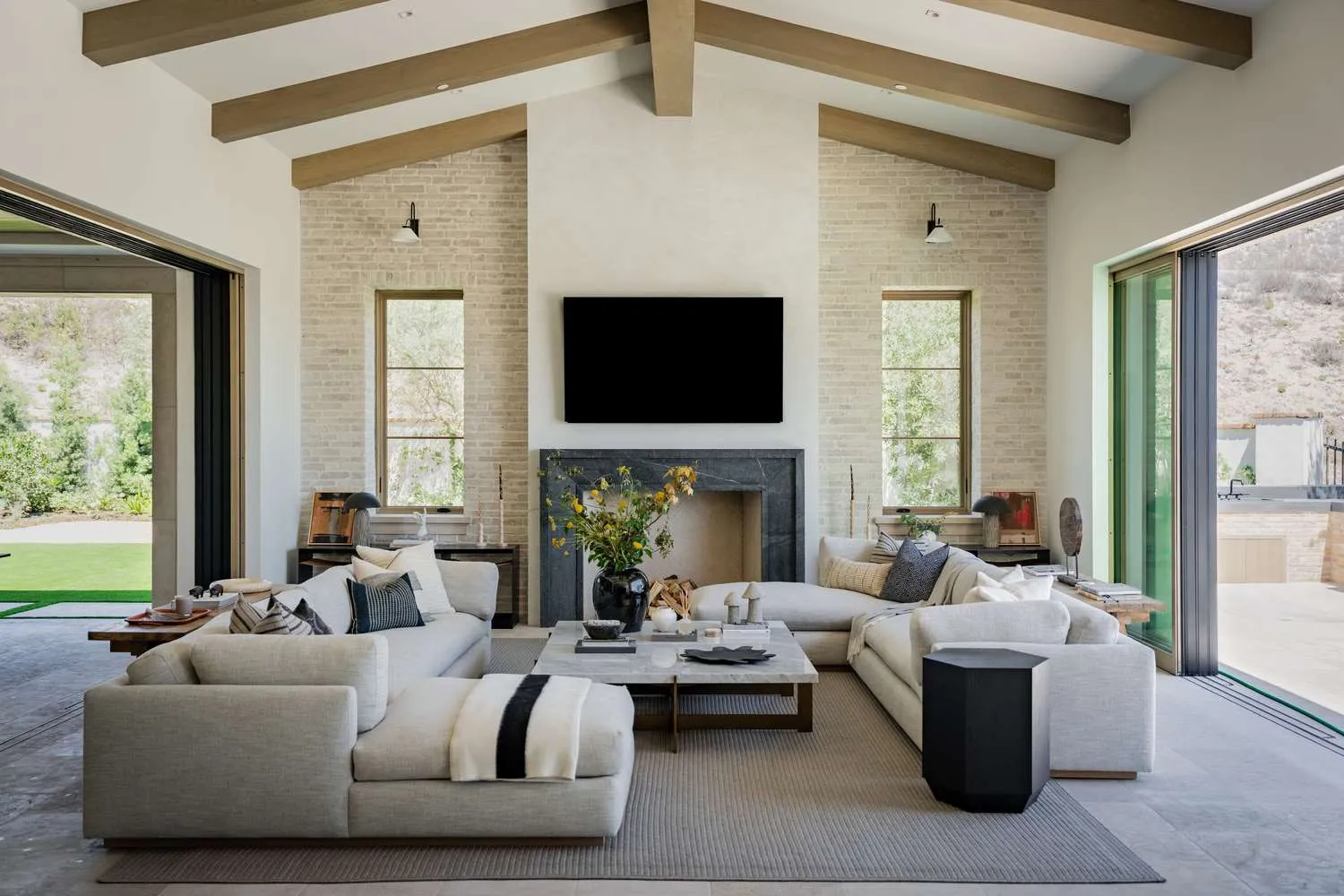
2. AI enhances exposure, color, sky & lawn
BrightShot auto-corrects brightness and contrast, neutralizes color cast and white balance, optionally replaces the sky and greens up the lawn, and squares up perspective. Enhancement finishes in under 30 seconds — regenerate until the photo reads right.
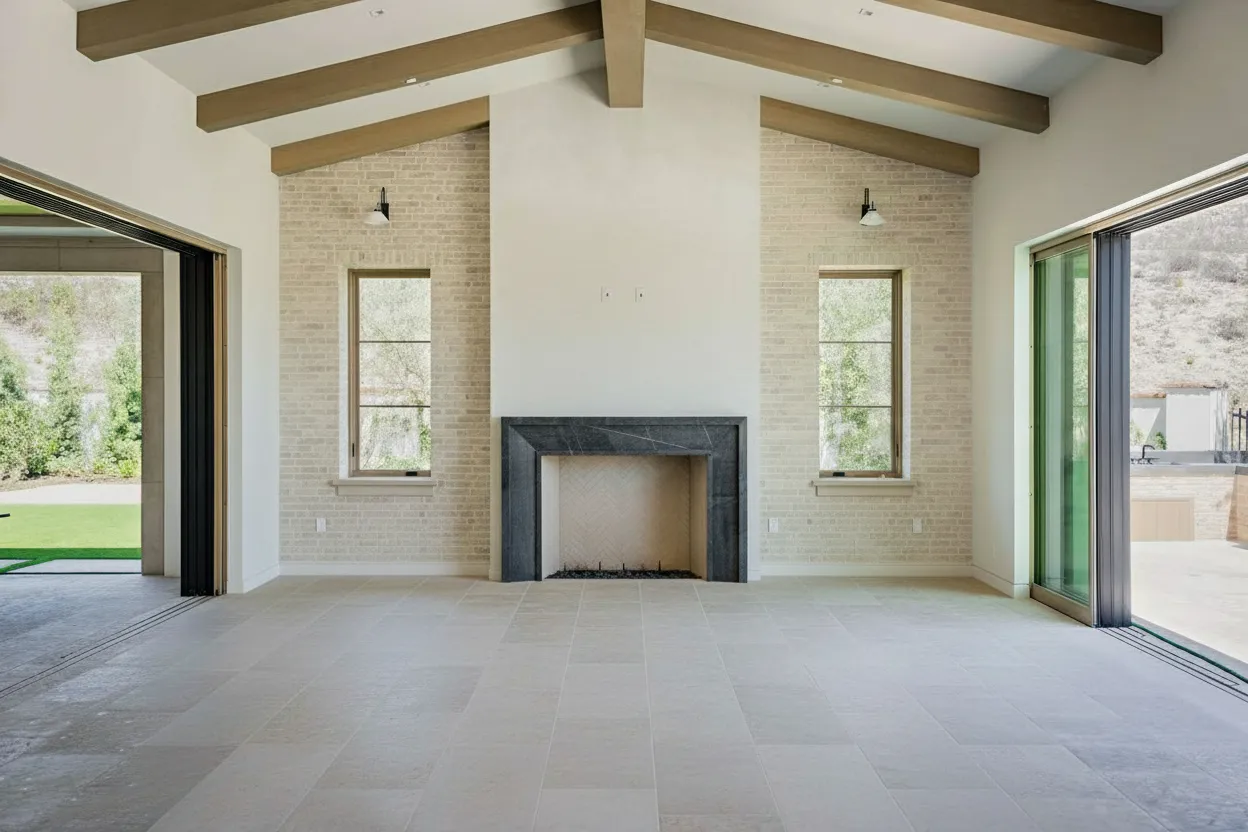
3. Download MLS-ready and publish
Download the enhanced photo at full listing resolution. Upload directly to MLS, Zillow, Realtor.com, Redfin, Airbnb, or any property portal — sized correctly out of the box.
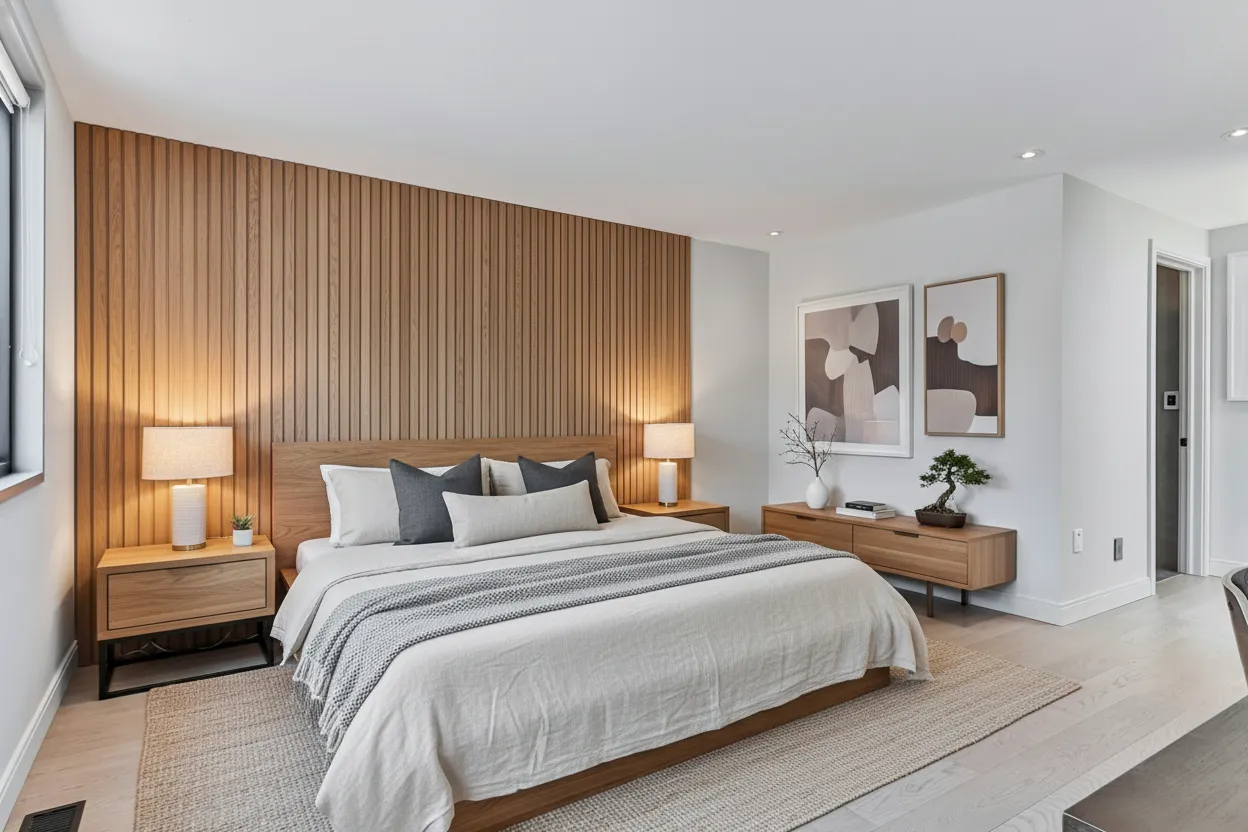
Why agents pick AI photo enhancement over editors and Lightroom
Real estate photo enhancement at $19/month vs $1-3 per photo with BoxBrownie or 5-10 minutes per photo in Lightroom
 BrightShot AI
 30 seconds per photo
Upload, AI enhances, download — no queue, no manual editing
$19/month flat
Unlimited enhancements plus 13 other AI photo modes included
No Lightroom skills required
Drag, drop, done — no masks, no curves, no color wheels
Unlimited revisions
Regenerate until the photo reads bright, neutral, and MLS-ready
Real estate trained
AI knows what listing photos should look like, not generic vacation shots
Sky, lawn, declutter, staging
Same dashboard handles every listing fix — not just one
Why AI Real Estate Photo Editor Beats Per-Image Editing Services
A skilled real estate photo retouching technician needs 5-10 minutes per image to balance exposure, neutralize color cast, replace the sky, and clone-stamp out clutter. Outsourced real estate photo editing services bill that work at $1-3 per image for batch enhancement and $20-50 per property for full packages, with 12-48 hour turnarounds and revision caps. Lightroom-on-your-own-time costs $9.99/month plus the learning curve and the evenings. AI real estate photo enhancement collapses the same job into 30 seconds at a flat $19/month — and because the AI is trained on real estate photos specifically, it understands the brief: bright but not blown-out interiors, warm but not yellow tones, blue but not surreal skies, lush but not glow-stick lawns. The pitch is time, not raw quality — pro retouchers still beat AI on tricky edge cases like reflections in TVs and chandeliers — but for the 90% of listing photos that just need exposure, color, sky, and lawn fixed, AI gets you to MLS-ready in the time it takes a Lightroom export to finish. Compared to AI furniture removal (which strips clutter to make rooms vacant), photo enhancement focuses on the technical baseline every listing photo needs.
Built for Real Estate Photo Workflows
Real Estate Agents
Run phone photos through BrightShot before uploading to MLS — fixed exposure, neutral color, replaced sky, green lawn, all in 30 seconds per image. Skip the $200-600/month BoxBrownie or Spotless Agency invoice.
Listing Photographers
Add a photo enhancement line item to every shoot at $30-50 per photo — pure margin, zero extra time. Deliver enhanced and raw versions side-by-side and let the agent pick which set goes to the MLS.
Airbnb & Vacation Rental Hosts
Brighten the bedroom shots that nobody clicks on, replace the gray sky over the patio, and turn winter brown grass green for shoulder-season bookings. Refresh the listing imagery any time without re-shooting.
Property Managers
Enhance rental turnover photos between leases — neutral color, balanced exposure, clean sky — without waiting for a photographer or paying per-photo editing fees on every unit.
Brokerage Marketing Teams
Standardize photo output across the agent roster. Same brightness profile, same color tone, same MLS-ready exports on every listing — the brokerage looks consistent without buying every agent a Lightroom seat.
Real Estate Investors & Wholesalers
Shoot quick walkthroughs on a phone, run them through BrightShot, ship listing-ready photos to buyers the same afternoon. Investor-grade speed without investor-grade photo quality compromises.
[ All-in-One Real Estate Marketing Platform ]
One subscription, every listing job done
BrightShot handles the whole real estate marketing workflow with AI: stage rooms, declutter occupied homes, fix lighting, replace skies, build 360° tours, generate cinematic videos, and post to Instagram, TikTok, and Facebook — all from one platform.
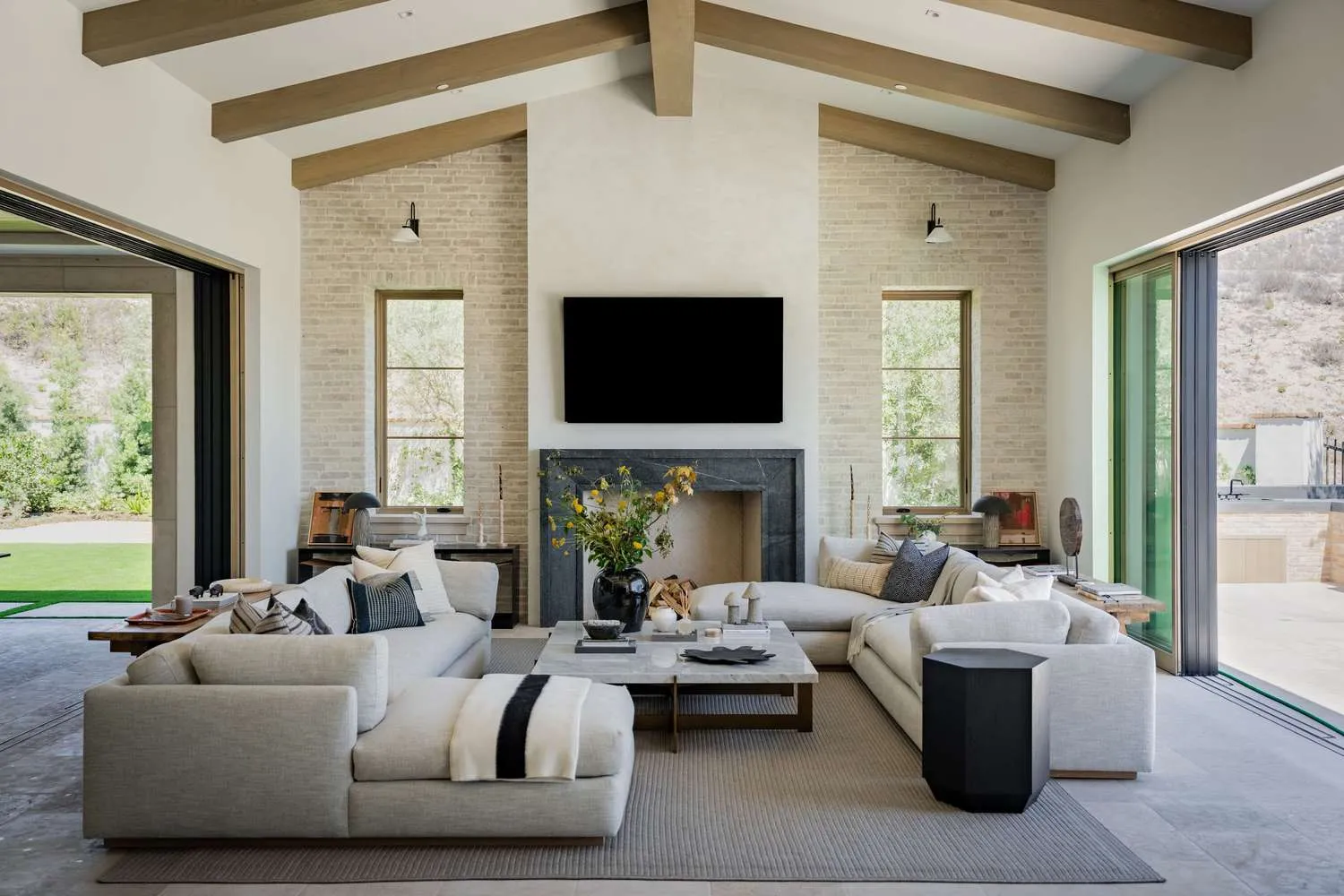
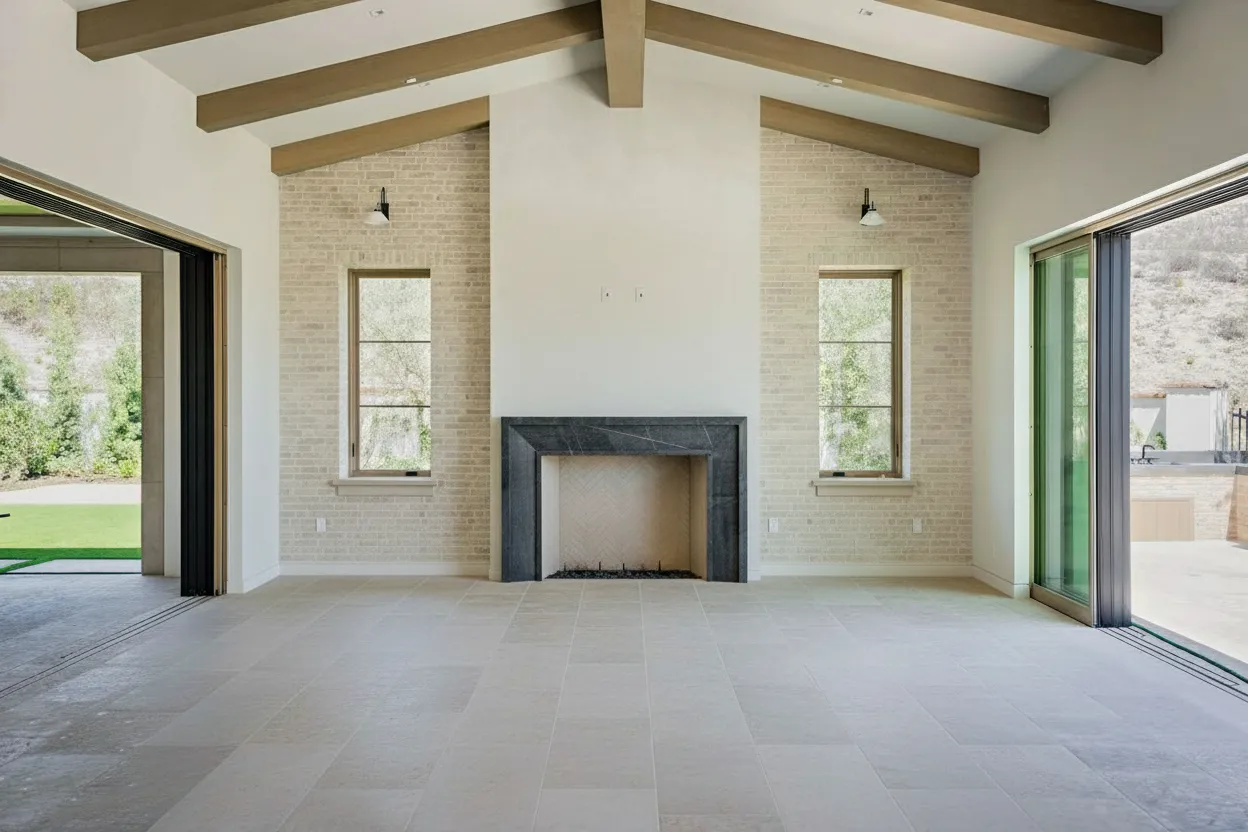
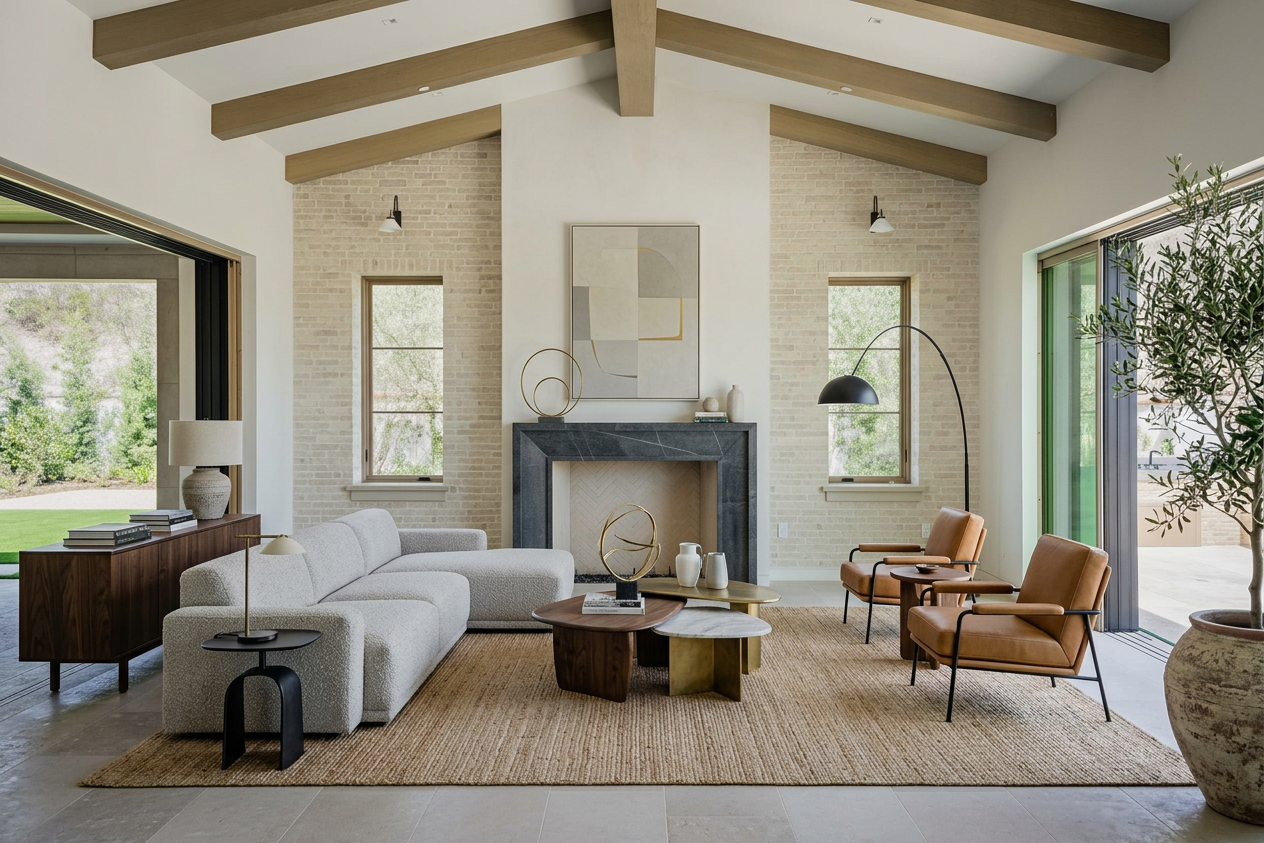
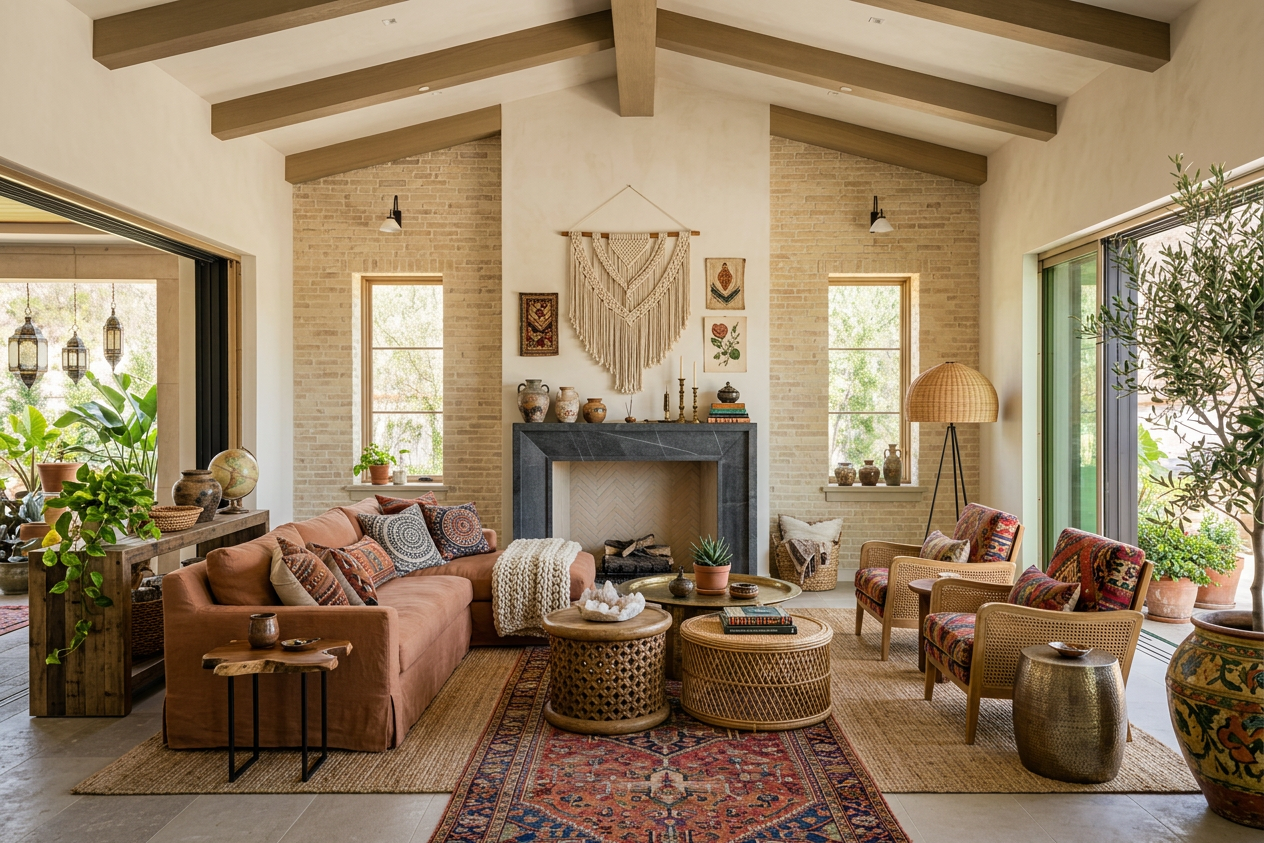


Pricing
Professional real estate photography can be expensive. Our plans start at just $19 per month.
Basic
Give BrightShot a try.
$171billed annually
You save$57/year
Billed monthly
- Virtual Staging
- Furniture Removal
- Photo Declutter
- Room Redesign
- AI Room Restyle
- Lighting Enhancement
- Perspective View Swap
- 3D to Photo Render
- Day to Dusk
- Sky Replacement
- Lawn Enhancement
- Furnish Empty Rooms
- Add People
- Photo Upscaling
Professional
Most popularPerfect for growing businesses.
$441billed annually
You save$147/year
Billed monthly
Premium
For power users.
$891billed annually
You save$297/year
Billed monthly
Real Estate Use Cases: Listings, Airbnb, and BoxBrownie Replacement
AI real estate photo enhancement covers the entire listing-photography pipeline. Listing agents run phone photos through BrightShot before uploading to MLS, Zillow, and Realtor.com — one upload, full enhancement, no Lightroom skills required. Airbnb and VRBO hosts use it to brighten the bedroom shots that nobody clicks on, replace the gray sky over the patio, and turn brown winter grass green for shoulder-season bookings. Listing photographers offer enhancement as a $30-50 add-on to every shoot, delivering enhanced and raw versions side-by-side and letting the agent pick which set goes to the MLS — pure margin, zero extra time on site. The BoxBrownie / Spotless Agency replacement use case is the loudest: agents who currently spend $200-600 a month on per-image editing services switch to BrightShot's $19/month flat rate and break even in the first listing. The same workflow that does enhancement also handles sky replacement, lawn enhancement, and lighting fixes — one dashboard, one subscription, every fix.
Real Estate Photo Enhancement Cost — DIY, Outsourced, or AI
Real estate photo enhancement cost depends on the lane. BoxBrownie and Spotless Agency — the dominant outsourced services — bill $1-3 per photo for individual enhancement and $20-50 per property for full packages, with 12-48 hour turnarounds. For an agent listing two properties a week with 25 photos each, that's $200-600/month in editing fees alone. Lightroom solo runs $9.99/month for the software plus your time — figure 5-10 minutes per photo at 50+ photos a week, or 4-8 hours of evening work. Pixlr, Luminar Neo, and Photoshop sit in similar lanes ($10-25/month plus the skill curve). BrightShot is $19/month flat for unlimited AI real estate photo enhancement plus 13 other AI photo modes, virtual tours, video, and social posting included in the same subscription. The math: an agent at typical listing volume breaks even on BrightShot vs BoxBrownie in the first week, and the unit economics get better with every additional listing. See BrightShot pricing or try the free tier before paying anyone per-image again.
Real Estate Photo Enhancement, in Plain English
Real estate photo enhancement is the post-processing pass that turns a raw listing photo — straight from a phone or DSLR — into the bright, color-correct image buyers actually click on Zillow. The fixes are unglamorous but specific: brightness and contrast correction so the living room doesn't read cave-dark and the windows don't blow out; color cast removal to kill the yellow-incandescent tone every phone camera puts on interior shots; white balance so the kitchen counters read white instead of mustard; perspective straightening for converging verticals on wide-angle bedroom shots; sky replacement for the gray overcast that ruined the front-elevation photo; lawn enhancement for winter listings shot over brown grass; and lens distortion fixes for the barrel-bend on phone wide-angles.
Real estate photo editing covers all of that, plus selective retouching — clone-stamping a trash can out of the driveway, neutralizing a busy reflection in the patio door, evening out a stained corner of carpet. Real estate photo retouching is the higher-touch version of the same workflow, the kind a $25-per-photo BoxBrownie tech does by hand: dodge-and-burn on shadow corners, careful chroma balancing on mixed-source lighting, twilight composites where lamp light has to fight ambient sky.
An AI real estate photo editor compresses the entire stack into a 30-second pass. Upload the photo, the AI runs every fix appropriate for the scene (interior gets exposure + color + perspective; exterior gets sky + lawn + lens correction), and you download an MLS-ready file. AI photo enhancer real estate workflows aren't trying to replace a Lightroom power user on hero shots — they're built for the 90% of listing photos that just need the technical baseline fixed before the photo goes to MLS, Zillow, Realtor.com, and the agent's social feed. For occupied listings, run AI furniture removal first, then enhancement. For empty rooms, pair enhancement with virtual staging to turn vacant photos into furnished, market-ready listings.
What Real Estate Photo Enhancement Looks Like — Before and After
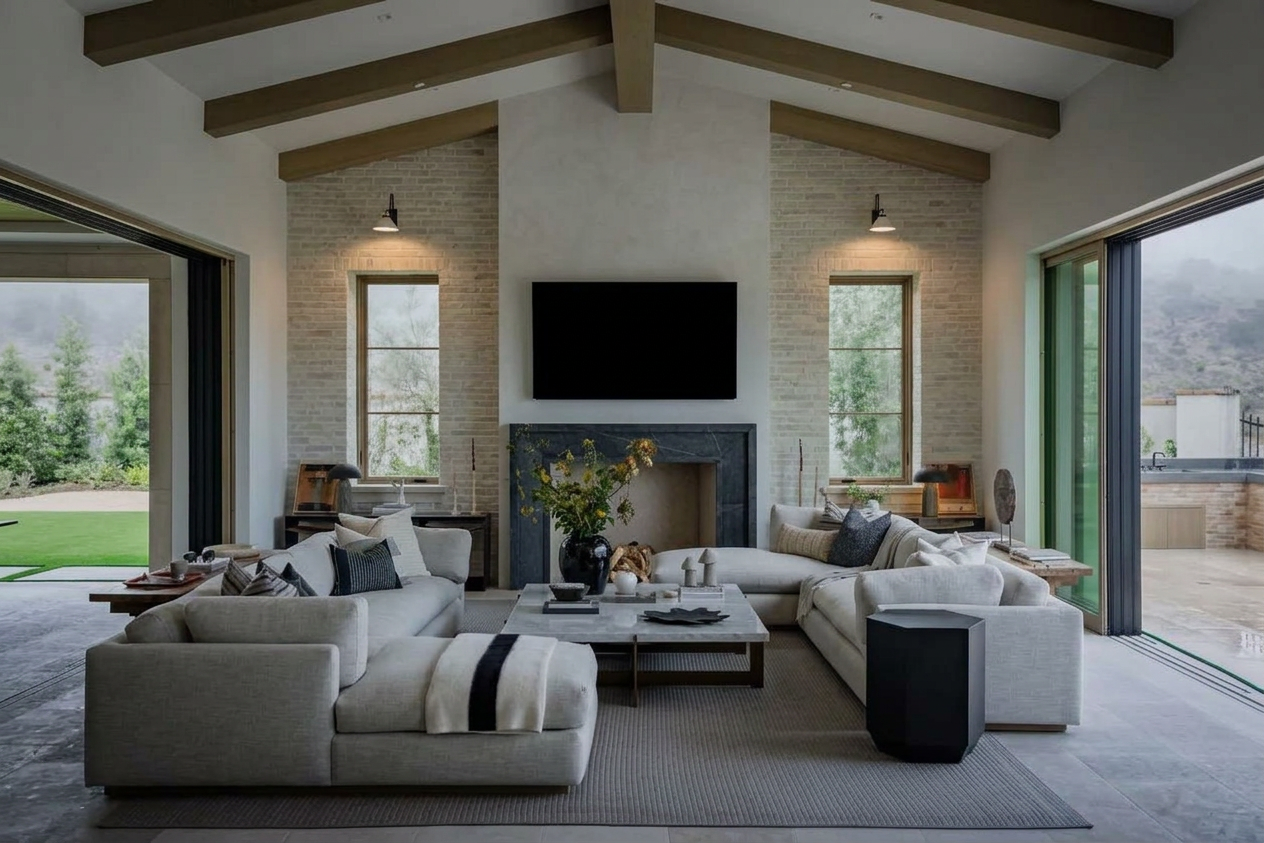
The clearest way to describe real estate photo enhancement is by the transforms agents see most often. Lighting fix: a phone-shot living room with a yellow incandescent cast and a window that reads pure white comes back balanced — wall paint reads true, the window keeps detail, the lamp glow stays warm without taking over the scene. Sky replacement: a gray overcast front elevation comes back with a clean blue sky, sun direction matched to the existing shadows on the house — not a copy-paste sky pasted on top. Lawn enhancement: a winter-brown lawn turns spring-green at the edge of the driveway with the texture preserved, no weird halo where grass meets concrete.
Declutter and depersonalize: occupied living-room photos with a busy coffee table, a remote control, and a stack of mail come back with the surface cleared — the clone work happens automatically and reads natural enough that buyers don't notice anything was removed. Perspective: a wide-angle bedroom shot with the walls leaning inward gets squared up so corners are vertical and the room reads true to scale. Lens distortion: a phone wide-angle hallway shot with bowed walls comes back straight, no stretching at the edges, no obvious correction halo.
BrightShot's gallery shows real before/after pairs across all of these transforms — interior color and exposure on the lighting enhancement page, sky swaps on the sky replacement page, and lawn fixes on the lawn enhancement page. Same dashboard, same upload, every fix from a single subscription.
AI Photo Enhancer vs. Manual Editing in Lightroom or Photoshop
A skilled Lightroom user running a real estate photo editor preset can crank through a listing's worth of photos in 30-45 minutes — exposure, color, sky, perspective, the works. A Photoshop retoucher doing manual sky replacement and clone-stamping spends 5-10 minutes per image. Both produce excellent output, both require subscription software ($9.99/month for Lightroom, $20-30/month for the full Adobe Photography plan), and both require enough skill that you can't hand the workflow to a junior assistant on day one.
An AI real estate photo editor like BrightShot collapses the same job into 30 seconds per photo, no skill curve, $19/month flat. The pitch is time, not raw quality — pro retouchers still beat AI on edge cases like chandelier highlights, glassy TV screens, and mixed-lighting twilight shots where a human eye matters. For the bread-and-butter listing photo enhancement work — fix exposure, neutralize color, replace sky, clean lawn, square perspective — AI hits the same MLS-ready bar in a fraction of the time.
The honest framing for agents: keep a Lightroom preset around if you already have one and you genuinely enjoy the manual pass. Use AI for the rest. For agents who don't already own Lightroom, AI photo enhancer real estate workflows are the easier on-ramp — there's no skill investment, no preset to dial in, and the output is consistent across every listing on the roster. BrightShot also handles fixes that aren't in any Lightroom preset: AI furniture removal for occupied rooms, virtual staging for vacant ones, and AI real estate video maker for turning the same photos into a listing video.
Real Estate Photo Enhancement Cost — DIY, Outsourced, or AI
How much does real estate photo enhancement cost?
Real estate photo enhancement cost depends on the lane. Outsourced editing services like BoxBrownie and Spotless Agency bill $1-3 per photo for individual enhancement and $20-50 per property for full packages, with 12-48 hour turnarounds. Lightroom alone runs $9.99/month plus your time (5-10 minutes per photo at typical listing volume). BrightShot is $19/month flat for unlimited AI real estate photo enhancement plus 13 other AI photo modes — staging, video, virtual tours, social posting all included. See BrightShot pricing for the full breakdown.
Is there free real estate photo enhancement software?
Yes. BrightShot's free tier (3 credits) lets you generate enhanced listing photos before committing to a paid plan, with the same models as paid output. GIMP is the open-source manual option for Photoshop-style retouching. Mobile apps like Snapseed and Lightroom Mobile have free tiers good for basic exposure and color fixes — fine for one-off shots, slow when you're processing 25 photos for a single listing. For batch listing photo enhancement, BrightShot's free tier is the fastest free way to ship MLS-ready output without a Photoshop license. Try the free trial before paying anyone per-image.
Real Estate Photo Enhancement for Different Use Cases
Real estate listings — MLS, Zillow & Realtor.com ready
The default use case. Run every photo through BrightShot before uploading to MLS — fixed exposure, neutral color, replaced sky, green lawn, squared perspective. Output is sized for MLS, Zillow, Realtor.com, Redfin, and Trulia out of the box, no resize step, no per-platform export. Compatible with the real estate marketing guide photo workflow most top agents follow.
Airbnb & vacation rental photos
Brighten the bedroom shots that nobody clicks on, replace the gray sky over the patio, and turn winter brown grass green for shoulder-season bookings. Refresh the listing imagery any time without a re-shoot — same property, same photos, new enhancement pass. Pairs naturally with AI real estate video maker for vertical reels on the Airbnb listing page and Instagram.
Photographer outsourcing replacement (BoxBrownie alternative)
Listing photographers and agents currently spending $200-600 a month on per-image editing services swap to BrightShot's $19/month flat rate and break even in the first listing. Photo home staging, sky replacement, and lawn enhancement are all built into the same dashboard — no separate BoxBrownie ticket, no 24-48 hour wait. Use AI virtual tour software on the same photo set to add a 360° experience without a Matterport camera.
[ FAQ ]
Real Estate Photo EnhancementFAQ
What is real estate photo enhancement?
How much does AI photo enhancement cost?
Can I use AI-enhanced photos on the MLS and Zillow?
Does BrightShot replace BoxBrownie or Spotless Agency?
How does BrightShot's photo enhancement compare to Lightroom?
Will MLS reject AI-enhanced listing photos?
Still have questions?
Try BrightShot Free
Join 5,000+ real estate agents using AI to enhance photos, stage rooms, build 360° tours, generate property videos, and post to Instagram, TikTok & Facebook — all from one platform.