
Quick verdict
Pick BrightShot if you want professional staged listing photos in 15–45 seconds at $0.24 per image, plus walkthrough videos, 360° virtual tours, window-view transformation, and a full photo enhancement suite — all in one $19/month plan. The workflow is upload → pick a style → done; no manual furniture placement required.
Stick with ApplyDesign if you're a designer or architect who specifically values manual drag-and-drop control over every staging decision and you need the platform's interactive 360° tour output as a final deliverable. The per-coin economics only make sense at low volume or when control over each placement is the differentiator.
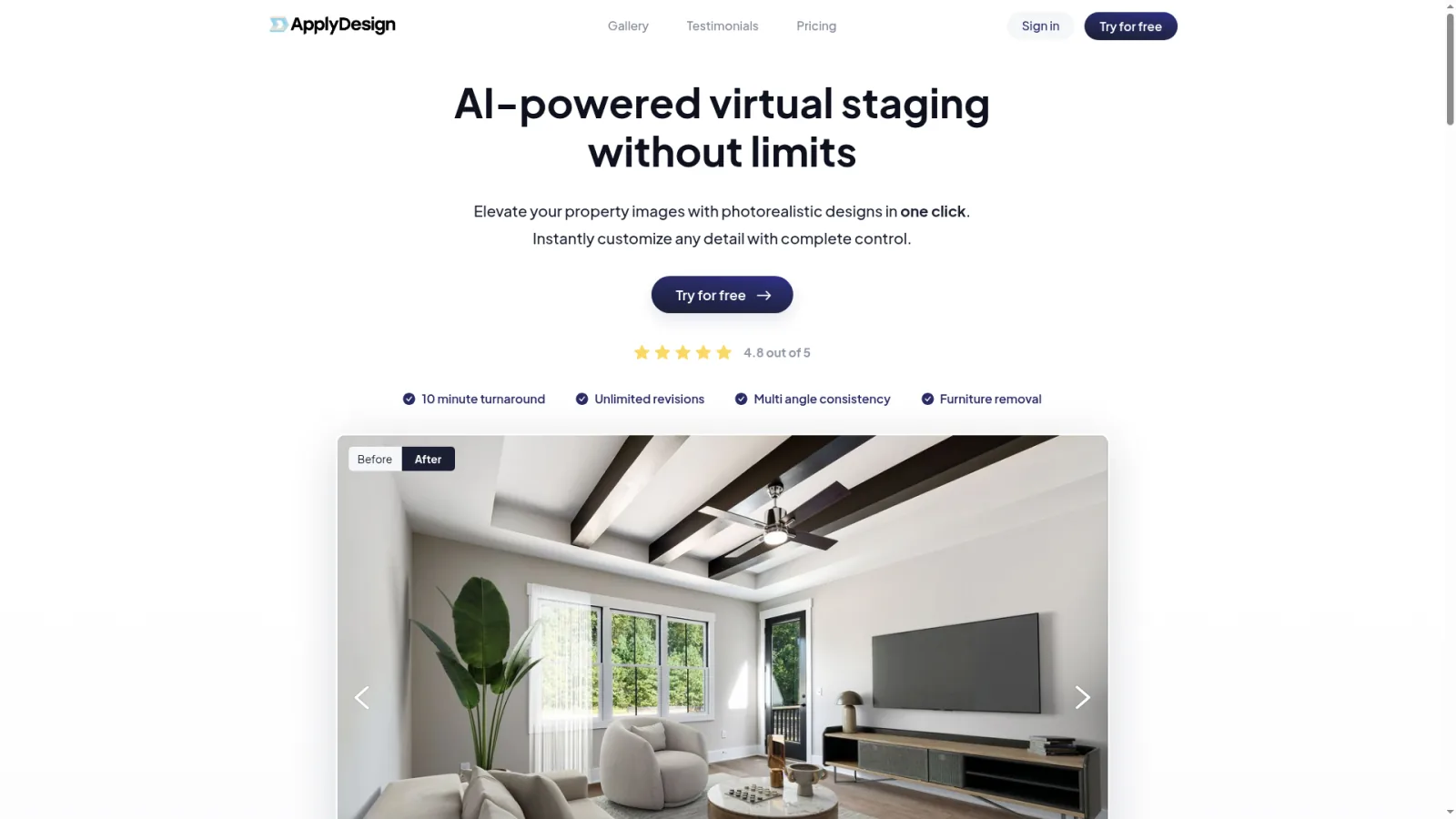
For a working photographer's hands-on review of ApplyDesign on a real estate shoot — useful baseline for the manual-staging tier:
ApplyDesign pricing — what each coin really costs
ApplyDesign uses a coin-based pricing model where each staged image consumes coins from a prepaid bundle. The per-coin cost drops at higher volume tiers, but the entry cost is the highest in the AI staging category.
| Service | Coin cost | Approx. price (entry tier) |
|---|---|---|
| Manual staging (drag-and-drop editor) | 1 coin per image | ~$7 |
| Auto staging (AI handles placement) | 1.5 coins per image | ~$10.50 |
| 360° interactive tour | 2–4 coins per scene | $14–$28 |
| Item removal / decluttering | 1 coin per image | ~$7 |
| Renovation / exterior | 2+ coins per image (manual workflow) | $14+ |
Pricing reflects publicly listed ApplyDesign coin bundles as of 2026. Volume bundles drop per-coin cost; small bundles are the highest per-image rate.
What 30 images a month actually costs on ApplyDesign
For a typical agent staging 30 photos a month using the manual editor, the realistic bill is 30 coins × $7 = $210/month. If you switch to Auto staging, that's $315/month. Add a single 360° tour at 4 coins = +$28. By the time you've covered staging plus a tour for one listing, you're at $238–$343 a month — and that's without video, photo enhancement, or window-view fixes (which ApplyDesign doesn't offer at all). BrightShot's $19/month plan covers the same 30 staged images plus video plus a 360° tour plus enhancement — about 10–18× cheaper at typical volume.
ApplyDesign reviews — what designers say
ApplyDesign has a dedicated user base, primarily among architects, interior designers, and high-end real estate stagers who value control over speed. The pattern in reviews:
- The good: The 3D editor is among the most sophisticated in the category. Pixel-level control over furniture placement, lighting angles, and material swaps is meaningfully harder to achieve in pure-AI tools.
- The good: Interactive 360° tour output is genuinely useful for architectural firms and luxury real estate where buyers expect to navigate the scene rather than just view static images.
- The good: The "Auto" mode (1.5 coins) is a reasonable bridge for users who want some AI assistance without giving up the platform's editing capabilities.
- The trade-off: Per-coin economics are the most cited complaint. At $7+ per staged image, a 30-listing month at 10 photos per listing runs $2,100+ in staging alone — multiples of what AI alternatives charge.
- The trade-off: No walkthrough video, no vertical (9:16) social cuts, no photo enhancement suite, no window-view transformation. ApplyDesign is staging-and-tours focused; everything else needs separate tools.
- The trade-off: Manual workflow has a learning curve. The platform requires real time investment to master — fine for full-time stagers, less practical for working agents who'd rather upload and ship.
The honest summary: ApplyDesign is the right tool for users who specifically value manual 3D editing and interactive tour deliverables, and whose listing-tier economics absorb the per-coin cost. For volume agents who'd save 90%+ switching to a pure-AI alternative, the math overwhelmingly favors moving away.
BrightShot vs ApplyDesign — feature-by-feature
| Feature | BrightShot | ApplyDesign |
|---|---|---|
| Pricing model | Flat $19–$199/month subscription with credits | Pay-per-coin bundles |
| Cost per staged image | $0.24 (Basic) → $0.13 (Ultra) | $7 manual / $10.50 auto |
| Workflow | Upload → pick style → AI handles placement | Drag-and-drop 3D editor |
| Skill required | None — zero design skills needed | Editor learning curve; design instinct helps |
| Speed per image | 15–45 seconds | 5–30 minutes (manual) / ~30 seconds (auto) |
| Walkthrough video (MP4) | Yes — 16:9, 9:16, square cuts, optional voiceover | No — interactive tours only |
| 360° virtual tours | Yes — unlimited on every plan | Yes — but charged per scene |
| Window-view transformation | Yes — 10+ view options | No |
| Photo enhancement suite | Yes — HDR, lighting, sky, lawn | No — separate tool needed |
| Construction / pre-sales mode | Yes — included in standard credits | Manual workflow at premium coin cost |
| Item removal | Yes — 1 credit per image | Yes — 1 coin per image (~$7) |
| Public API | Yes — `bs_live_` keys, documented | Limited / not public |
| Best for | Working agents, social-first marketing, volume | Designers, architects, manual-control workflows |
Workflow: 'done for you' vs 'do it yourself'
The core philosophical difference between these two platforms:
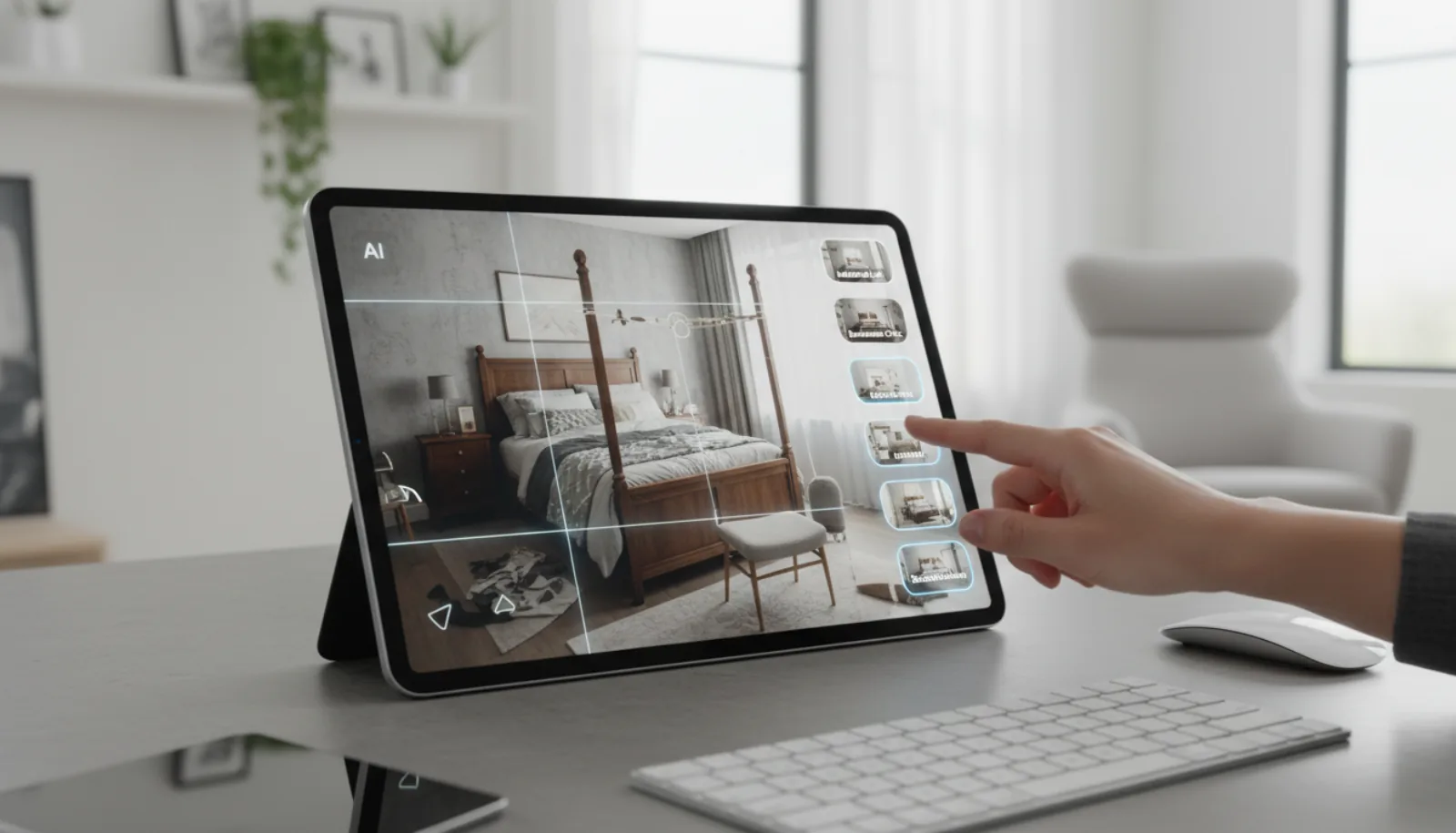
BrightShot — "done for you" automated AI
- Upload an empty room photo
- Select room type (living room, bedroom, kitchen, office)
- Pick a style (modern, traditional, Scandinavian, coastal, farmhouse, etc.)
- AI generates the staged photo in 15–45 seconds
- Unlimited regenerations if the first output isn't right
- Output is a finished JPEG ready for the MLS
ApplyDesign — "do it yourself" 3D editor
- Upload an empty room photo
- Open the 3D editor
- Drag furniture from the catalog into the scene
- Adjust positioning, scale, lighting, and shadows manually
- Add accent decor, art, plants, rugs piece by piece
- Render the final image (consumes 1 coin)
- Output is a customized staged image — but the time investment is real
The right choice depends on who you are. A working agent shipping 5–15 listings a month gains nothing from manual control — the AI output is good enough and the per-image cost is 30× lower. A high-end designer staging boutique listings for editorial publication gains a lot from manual control — but they're also the user paying $7+ per image without complaint.
Real-world cost by listing volume
| User profile | Volume | BrightShot | ApplyDesign | Annual savings on BrightShot |
|---|---|---|---|---|
| Solo agent | 20 staged images / month | $19/mo (80 credits) | ~$140/mo (20 coins) | ~$1,450 |
| Active agent | 50 staged images / month | $49/mo (Pro) | ~$300/mo (50 coins, bundle) | ~$3,000 |
| Small agency | 100 staged images / month | $99/mo (Premium) | ~$550/mo (100 coins, bulk bundle) | ~$5,400 |
Add the value of BrightShot's bundled features — walkthrough video, window-view, 360° tours, photo enhancement — and the gap widens further. ApplyDesign customers typically pay separately for video and enhancement; BrightShot includes both.
Who is each platform for?
Who is BrightShot for?
Working residential agents, photographers, brokerages, and short-term rental hosts who ship listings on a weekly cadence and want a single tool covering staging, video, tours, and enhancement. If you don't have time to learn a 3D editor and you're price-sensitive on staging — or if your marketing flow includes Instagram, TikTok, or YouTube — BrightShot is the better fit. See BrightShot's virtual staging.
Who is ApplyDesign for?
Interior designers, architects, and high-end stagers who specifically need pixel-level control over every furniture placement, lighting decision, and material choice — and whose deliverables include interactive 360° tours rather than MP4 video. The per-coin economics make sense at low volume or when the listing tier easily absorbs $7+ per image. The platform's editor is genuinely sophisticated for users who want that control.
Ready to skip the per-coin invoice? Try BrightShot's AI virtual staging free — no credit card required, 80 credits to test staging, video, tours, and enhancement on real listings. For more options, see our virtual staging software comparison.