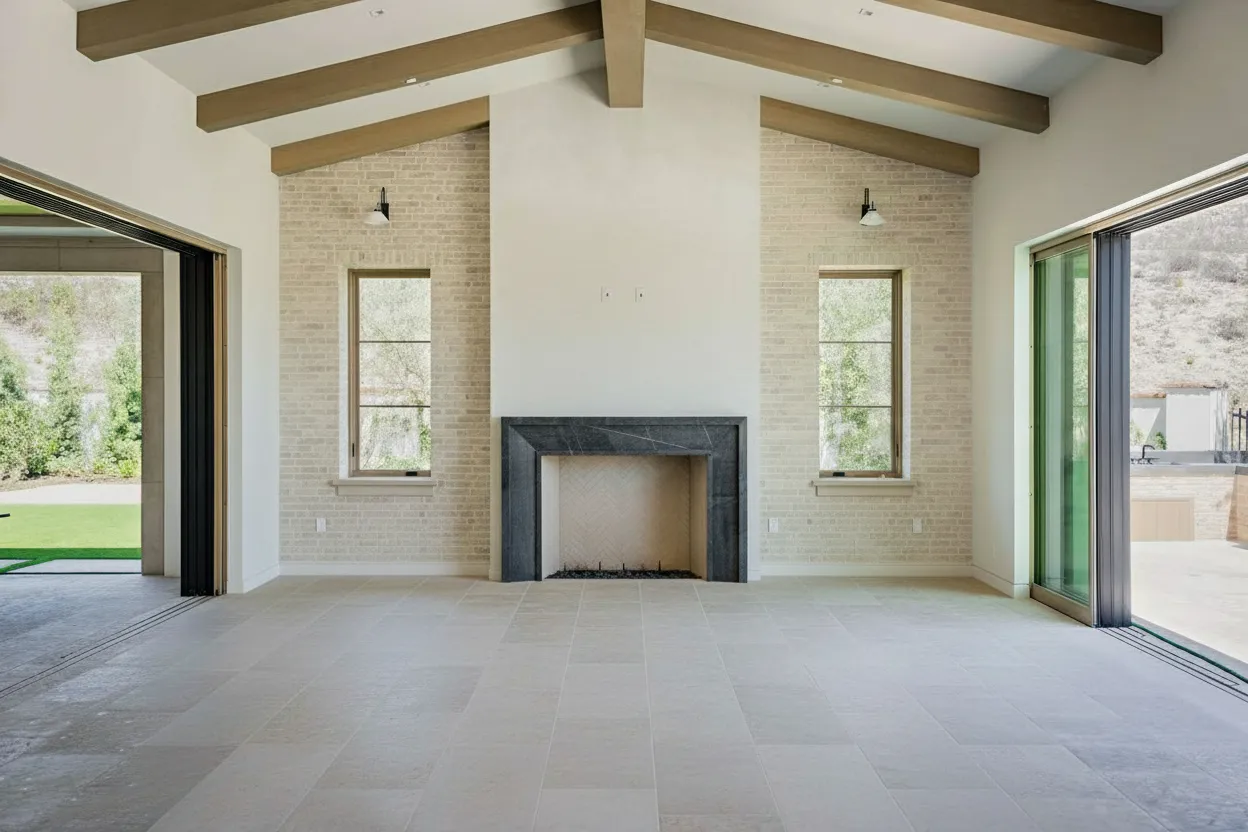
AI real estate photo editing is transforming how agents and photographers prepare listing images. What used to take hours in Photoshop now happens in seconds with AI-powered tools that automatically enhance lighting, remove clutter, add virtual furniture, and create professional-quality images ready for MLS, Zillow, and Airbnb.
This guide covers everything you need to know about using AI for real estate photo editing in 2026.
What Can AI Real Estate Photo Editing Do?
Modern AI tools handle virtually every aspect of property photo enhancement:
1. Lighting Enhancement & HDR
- Brighten dark rooms automatically
- Balance window exposures (no blown-out windows)
- Create natural-looking HDR from single images
- Fix underexposed or overexposed shots
2. Virtual Staging
- Add photorealistic furniture to empty rooms
- Choose from 15-30+ interior design styles
- Stage any room type (bedrooms, kitchens, offices)
- MLS-compliant results in seconds
3. Furniture & Clutter Removal
- Remove existing furniture (occupied to vacant)
- Delete personal items and clutter
- Clean up messy spaces
- Intelligent background reconstruction
4. Sky Replacement
- Replace gray, cloudy skies with blue skies
- Add dramatic sunset/sunrise skies
- Consistent sky across all exterior shots
- Weather-independent photography
5. Day-to-Dusk Conversion
- Transform daytime exteriors to twilight
- Add warm interior lighting glow
- Create dramatic curb appeal
- No need for actual twilight shoots
6. Perspective Correction
- Fix lens distortion
- Straighten vertical lines
- Correct tilted horizons
- Professional architectural photography look
Best AI Real Estate Photo Editing Tools (2026)
| Tool | Best For | Key Features | Cost |
|---|---|---|---|
| BrightShot | All-in-one editing | Staging, removal, lighting, video, sky, day-to-dusk | €0.11/image |
| Virtual Staging AI | Fast staging | 30+ styles, 15-sec processing | $2.67/image |
| Collov AI | Budget staging | Free tier, basic staging | $0.17/image |
| PhotoUp | Human+AI hybrid | Dedicated editors + AI tools | $1.50/image |
| AI HomeDesign | Room redesign | Multiple variations, fast | $1-2/image |
AI Photo Editing Workflow: Step by Step
Step 1: Capture Good Source Images
AI enhances photos but can’t fix fundamentals:
- Shoot with enough light (natural or flash)
- Use a wide-angle lens (16-24mm equivalent)
- Keep camera level for straight verticals
- Capture multiple angles of each room
Step 2: Choose Your Enhancements
Typical editing workflow:
- Lighting enhancement (every photo)
- Decluttering (occupied properties)
- Virtual staging (vacant properties)
- Sky replacement (exteriors with bad weather)
- Day-to-dusk (hero exterior shot)
Step 3: Upload and Process
With BrightShot:
- Upload your photo (JPEG, PNG, HEIC)
- Select transformation type
- Choose style options (if staging)
- Download enhanced image in 15-60 seconds
Step 4: Review and Regenerate
AI isn’t perfect 100% of the time:
- Review results for accuracy
- Regenerate if furniture looks off
- Most tools allow unlimited regenerations
- Download high-resolution versions
AI vs. Traditional Photo Editing
| Aspect | AI Editing | Traditional (Photoshop/Outsourcing) |
|---|---|---|
| Speed | 15-60 seconds | 15-60 minutes (manual) or 24-48 hrs (outsourced) |
| Cost | €0.11-5/image | $5-50/image |
| Consistency | Same quality every time | Varies by editor skill |
| Learning Curve | None (one-click) | Months to master Photoshop |
| Scalability | Unlimited | Limited by editor availability |
| Availability | 24/7 instant | Business hours or delays |
When to Use Each AI Feature
Virtual Staging
Use when: Property is vacant, furniture is dated/ugly, rooms look empty and lifeless Impact: 73% faster sales, 6-10% higher prices
Furniture Removal
Use when: Rooms are cluttered, personal items visible, ugly furniture distracts from space Impact: Buyers see room potential, fewer visual distractions
Lighting Enhancement
Use when: Every photo (always improves images), dark rooms, high-contrast scenes Impact: Rooms look larger, brighter, more inviting
Sky Replacement
Use when: Overcast day, gray skies, inconsistent weather across photo set Impact: Better curb appeal, professional consistency
Day-to-Dusk
Use when: Hero exterior shot, luxury properties, creating standout listing photos Impact: Dramatic first impression, emotional buyer response
Real Results: Before and After Examples
AI editing transforms ordinary photos into listing-ready images:
Lighting Enhancement
- Dark living room → Bright, inviting space
- Blown-out windows → Balanced exposure throughout
- Processing time: 20 seconds
Virtual Staging
- Empty bedroom → Styled with modern furniture
- Vacant living room → Cozy, move-in ready appearance
- Processing time: 30 seconds
Furniture Removal
- Cluttered room → Clean, spacious feel
- Dated furniture → Fresh, neutral canvas
- Processing time: 45 seconds
Getting Started with AI Photo Editing
Ready to try AI real estate photo editing? Here’s how to start:
- Choose a tool - BrightShot offers the most features at the lowest cost
- Start with lighting - Enhance existing photos before staging
- Test on one listing - See the difference AI makes
- Build your workflow - Integrate AI into your listing process
Try AI Photo Editing Free
Upload your first property photo and see the transformation in seconds.
Start Editing FreeTips for Best AI Editing Results
- Start with good photos - AI enhances but can’t fix blurry or poorly composed shots
- Shoot empty rooms when possible - Staging empty rooms is faster than removing furniture
- Use consistent lighting - Natural light produces the best AI enhancements
- Process exteriors with sky replacement - Creates consistent, professional curb appeal
- Regenerate if needed - AI gives different results each time; try 2-3 times for best fit
The Future of AI Real Estate Photo Editing
AI photo editing capabilities are expanding rapidly:
- Video generation from still photos (already available in BrightShot)
- 3D virtual tours from 2D images
- Real-time editing during photo capture
- Style transfer to match specific design aesthetics
Agents who adopt AI editing now will have a significant advantage as these tools become standard in the industry.
Ready to transform your listing photos? Try BrightShot’s AI photo editing—it’s free to start.